Capability
Use AI where it helps people do the work
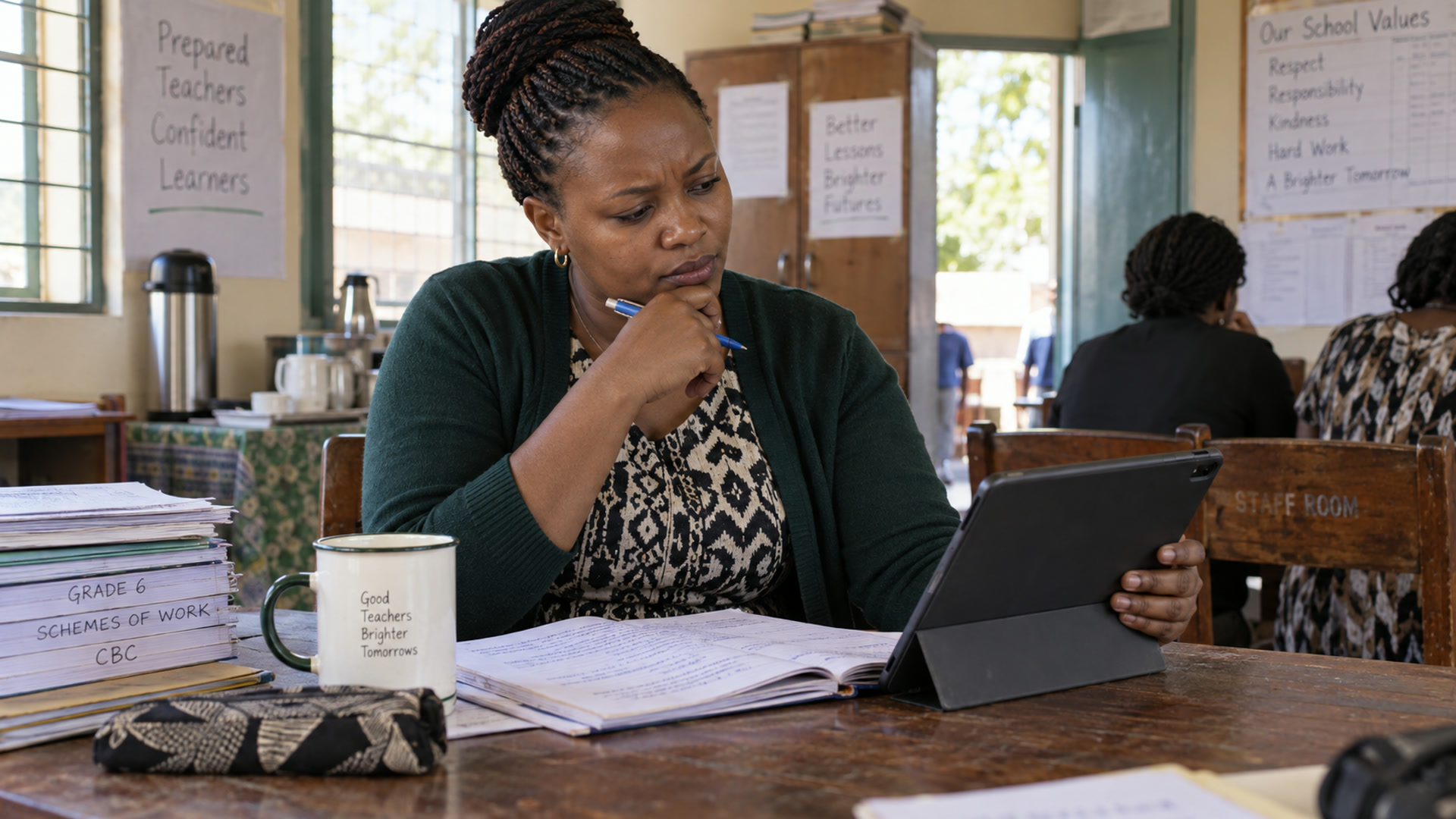
Start with a specific teaching task, such as drafting a lesson activity in aiDE. Review the result and keep the decision about what to teach with the teacher.
Keep the first request small
Ask for one activity or one check for understanding, and state the grade, learning goal and time available. Check accuracy and curriculum fit before using the draft. Questions about school records and suggestions for classroom resources are still in development.
Choose a bounded piece of work
AI assistance is easier to review when the task has a clear purpose and audience. A teacher might ask for an activity draft; a leader might need help shaping a working document. Use the tasks enabled for your role and provide only the information needed to complete that specific request.
Keep review part of the workflow
Check factual accuracy, calculations, tone and curriculum fit before using an output. Compare summaries with the underlying records and get the school’s normal approvals where needed. Explore aiDE for role-specific examples, then review credit information, permissions and data expectations before using AI with school or learner information.
Related

Capabilities
Connect a teaching, school or programme need to the relevant Kurasa workflows and implementation conversation.
Explore
aiDE
The AI work layer for teachers and school leaders.
Explore
Trust & controls
Permissions, human review and what aiDE cannot do.
Explore
AI use
How Kurasa uses AI, and where people stay in charge.
Explore