Capability
Keep families part of the learning conversation
Help schools keep families informed about learning and school activity.
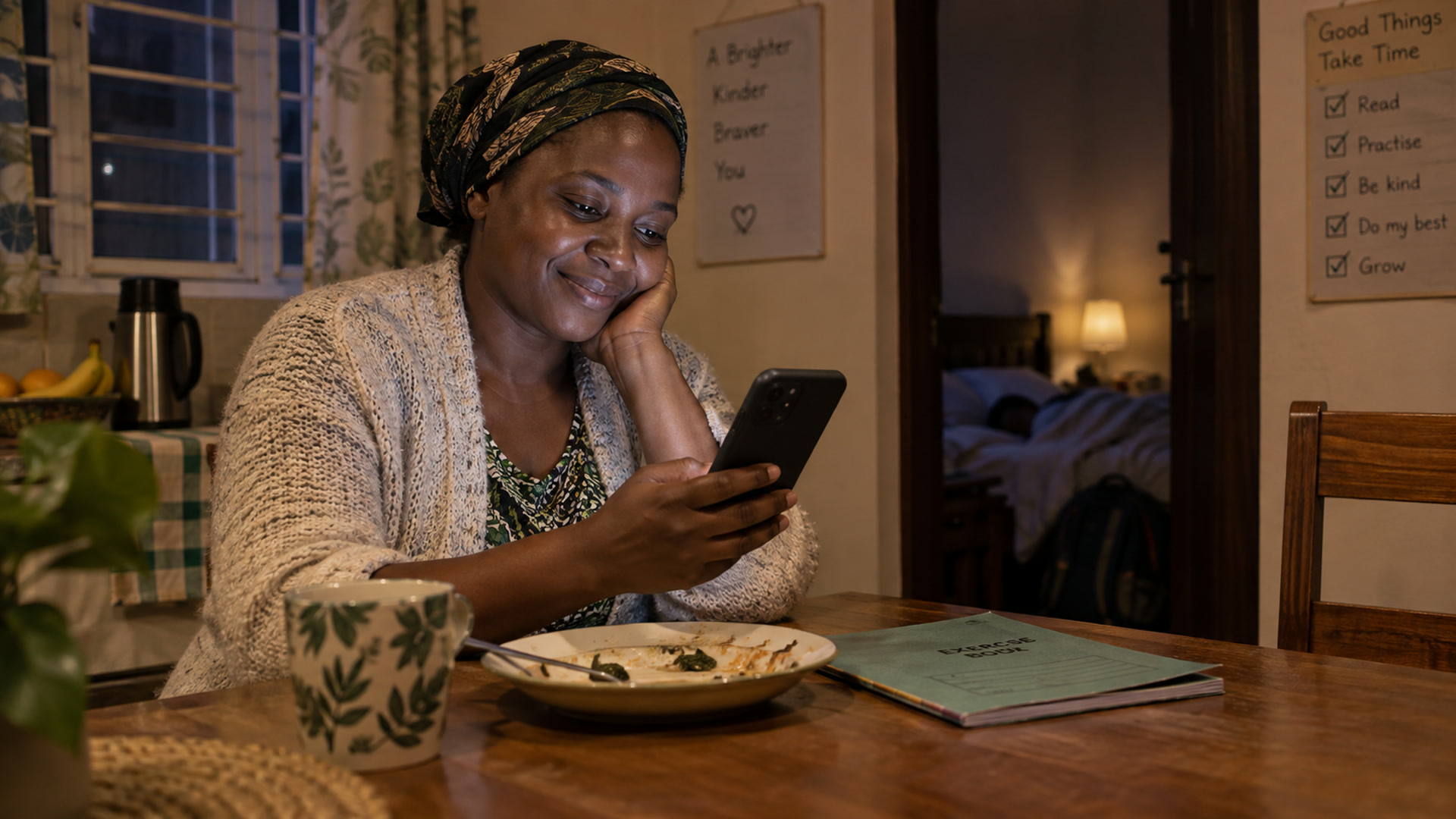
Share an update a family can act on
Name the learning goal, describe how the learner is progressing and suggest one manageable thing to practise. For example, ask a learner to explain how they compared two fractions using a drawing. Use the school’s agreed channel and direct any questions about the record back to the school.
Make communication useful at home
Families need clear language about what a learner is doing and a realistic way to help. A report or message can describe progress, explain a next step and point to the right school contact. Agree how often staff share updates and which channels fit the school community’s access and routines.
Keep the relationship school-led
Schools decide what information to share and how family questions are handled. Check parent access arrangements with your school before expecting a particular update or feature. Explore Kurasa Home and Workspace family engagement for the communication context, and PSL Daily Challenge for a separate approach to regular learner practice.
Related
Capabilities
Connect a teaching, school or programme need to the relevant Kurasa workflows and implementation conversation.
Explore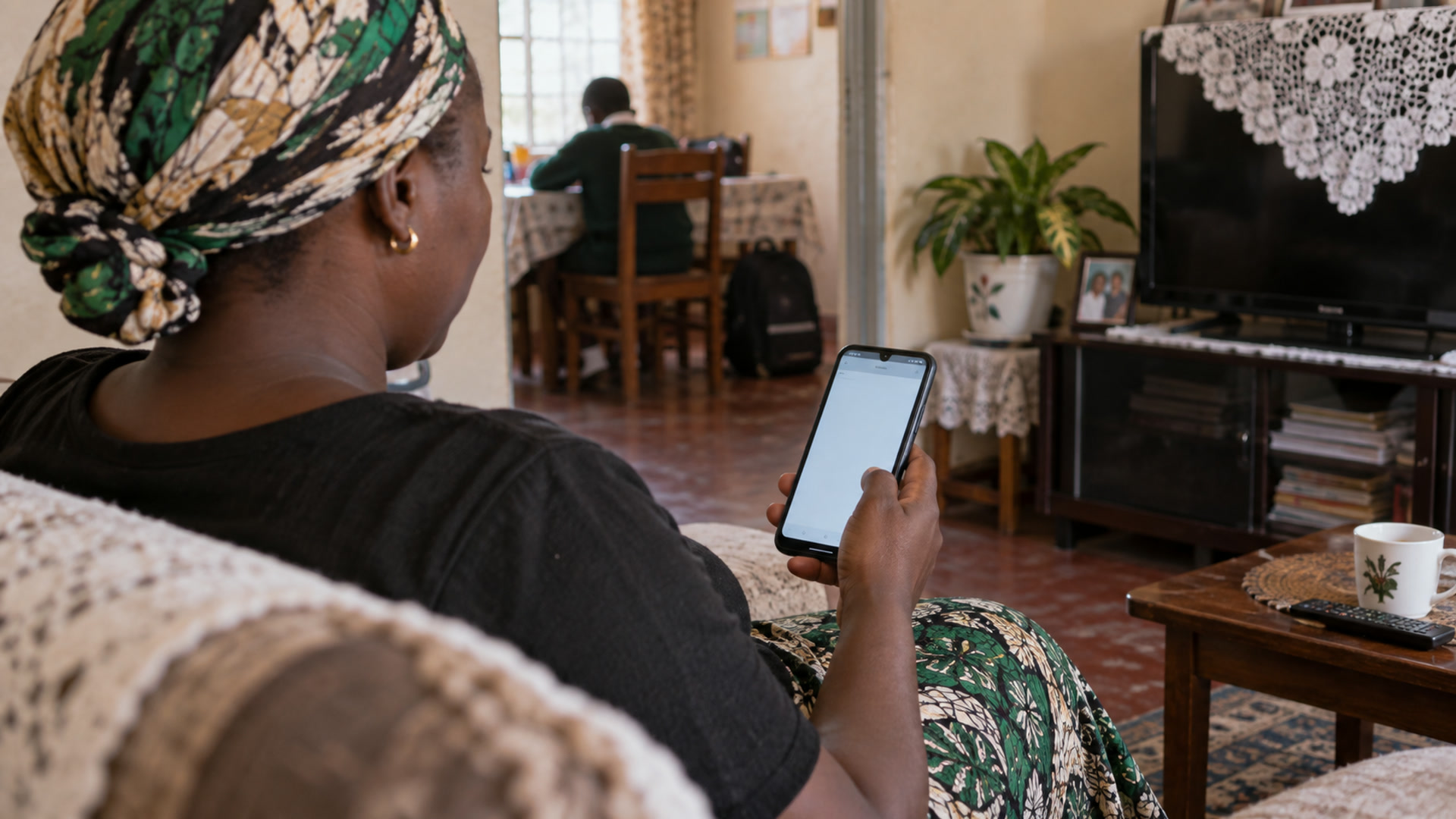
Kurasa Home
Real-time progress updates for parents.
Explore
Family engagement
Parent communication and learning updates from the school record.
Explore
PSL Daily Challenge
Five questions, eight minutes a day, after school.
Explore