Workspace · Family engagement
Keep families connected to learning
Kurasa supports school communication with families. Schools decide what to share and who may share it.
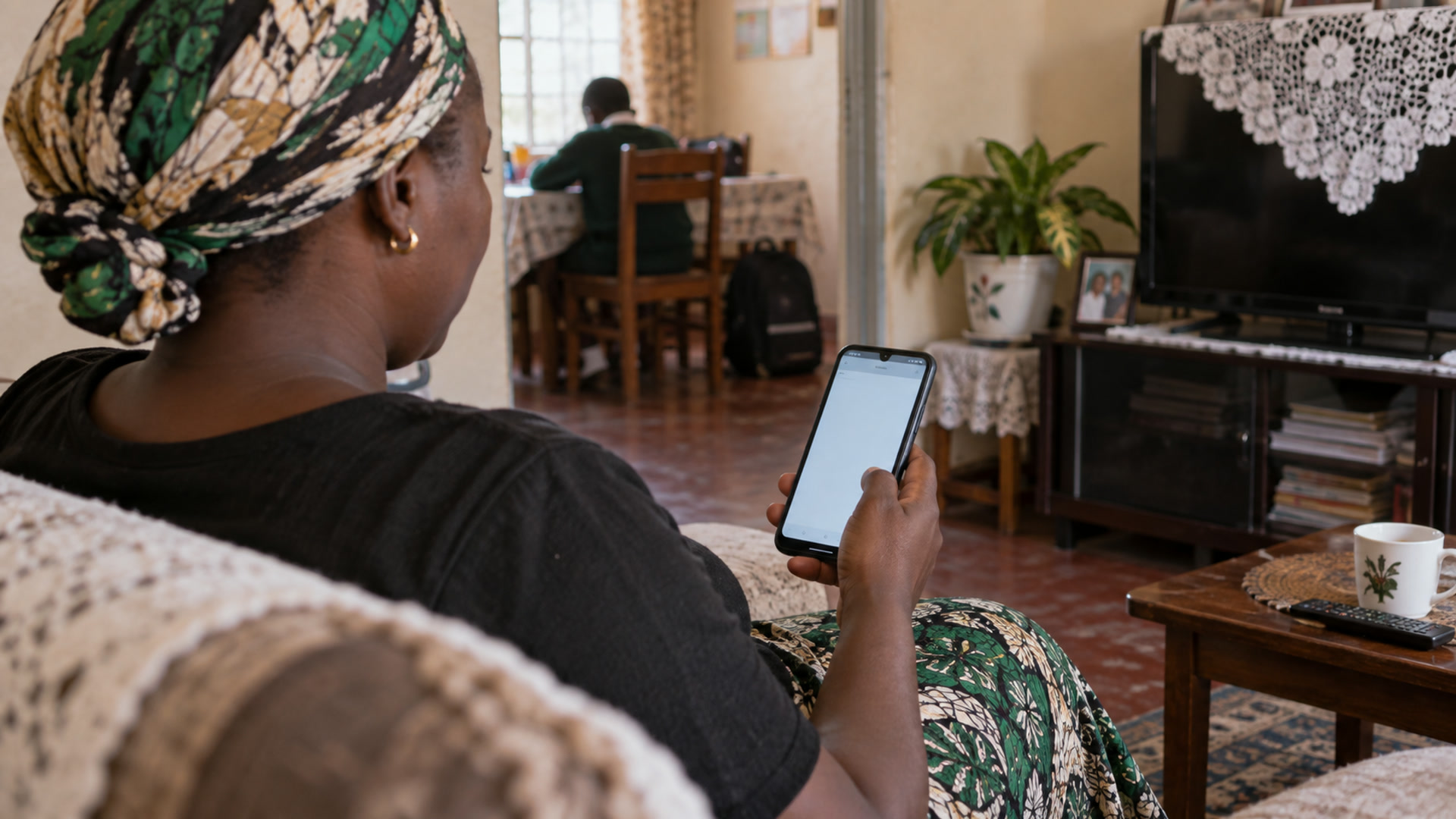
Families
Families see what the school releases
Kurasa Home is the parent-facing product. The workspace design keeps marks, comments, reports and messages behind a person who releases them.
The school record at home
Assessments, attendance and reports can reach families by SMS, in the app, or on the guardian app included with higher school plans.
One family app
The designed parent app also holds fees, the bus, consents and clinic visits shown only as “visited, back in class”. Those pieces are not available yet.
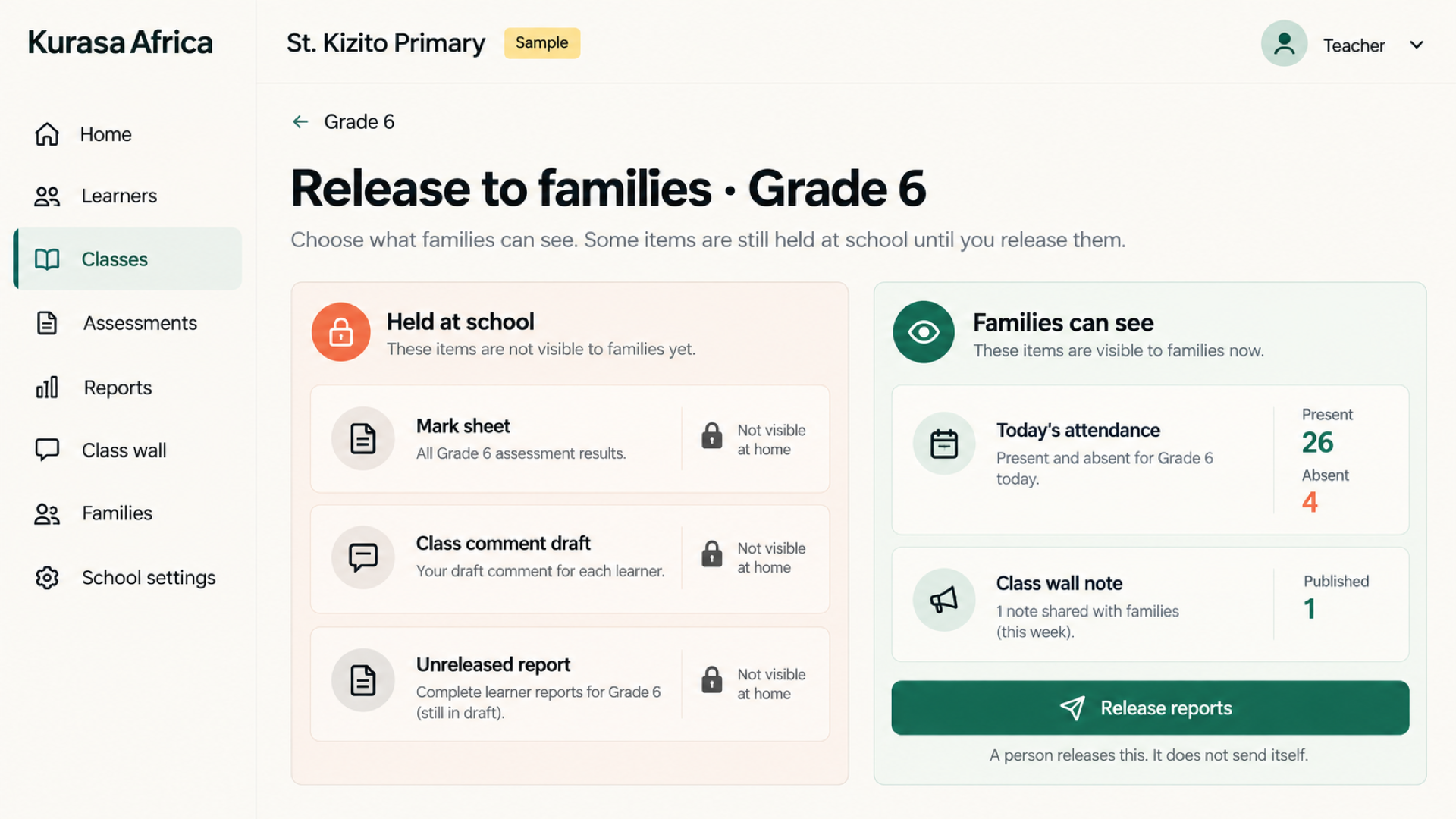
Share useful updates
Give families an update they can understand: what the school is sharing, which period it concerns and whether a response is needed. Check that the intended guardian and learner are correctly linked. Share through the channels available to the school and confirm report availability before directing families to it.
Support a two-way relationship
Make it clear how an adult can ask a question, correct a contact detail or discuss a concern with the school. Useful communication gives enough context to support a conversation without exposing another learner's information. Agree who receives family questions and how they are followed up.
Fit school routines
Decide which updates belong in a regular school routine and who approves them. Keep teaching records, family messages and release decisions connected to the school's responsibilities. Kurasa Home is the parent-facing product; confirm current access and distinguish available communication from features still in development.
Share an update a family can use
A helpful learning update explains what the learner is working on, what has improved and what support would be useful next. Keep the language clear and make the action realistic for home. Teachers and school leaders decide which records and communication channels are appropriate for their community.
Set expectations with your school
Families should ask their school how to access updates, who to contact with a question and how often information is shared. Communication arrangements depend on the tools enabled by the school. Explore Kurasa Home for the family perspective and PSL Daily Challenge for a separate learner practice experience.
The problem
Parents hear about school only at closing day or when something goes wrong. WhatsApp forwards and paper notes do not replace a shared learner trail.
At home
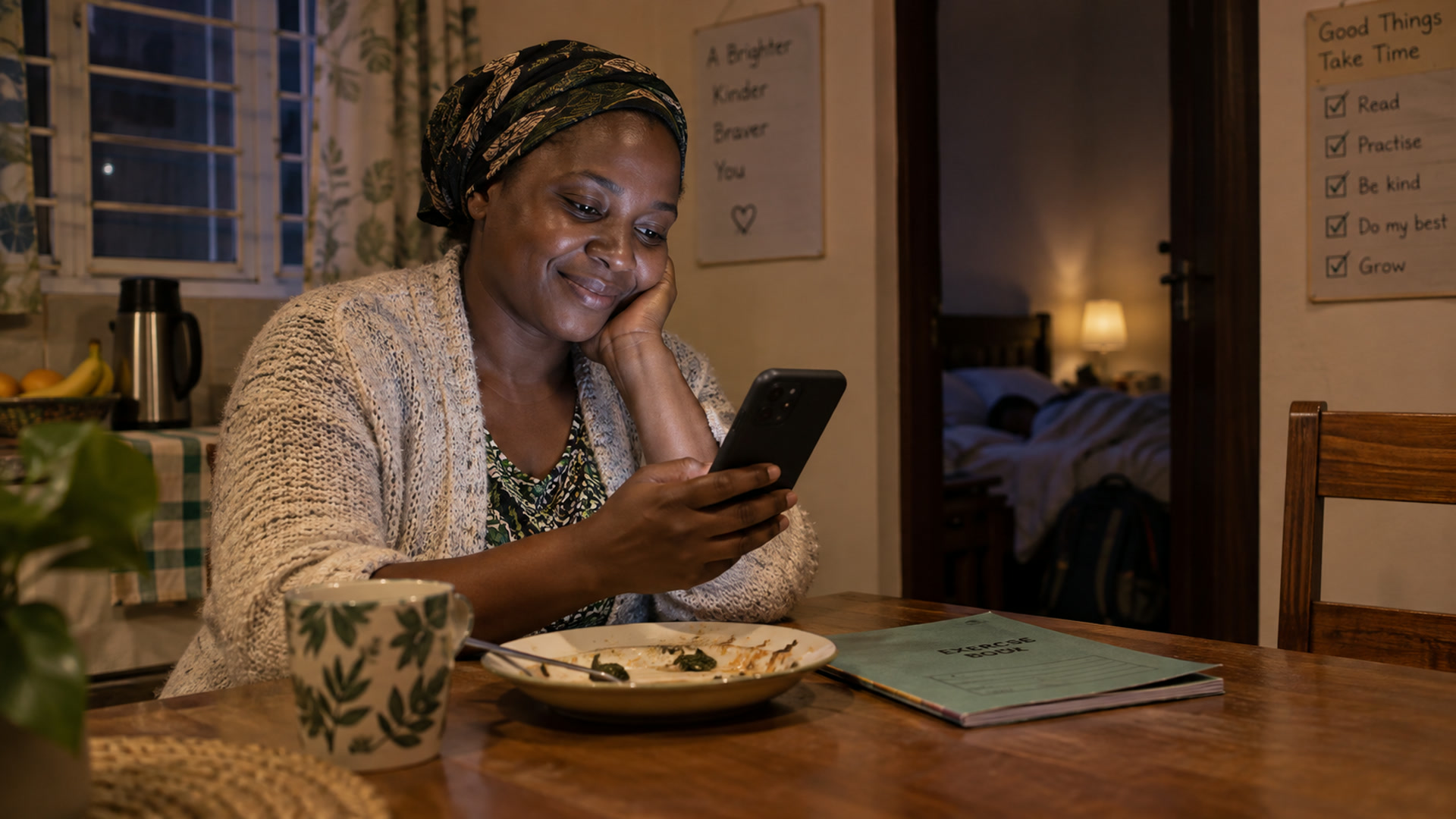
Open the child’s progress after supper. See the week’s work, attendance and reports without calling the teacher for a reconstruction.
From the classroom record
Same school record
Home reads from the workspace — it does not invent a second grade book.
SMS and app
Updates can reach families the way they already communicate.
Pairs with Daily Challenge
After-school practice sits beside the school week, not instead of it.