
Workspace · Insights & reports
See the evidence behind the school day
Kurasa reports help authorized users review learner, class and school information in an organized way.
Hear from educators and partners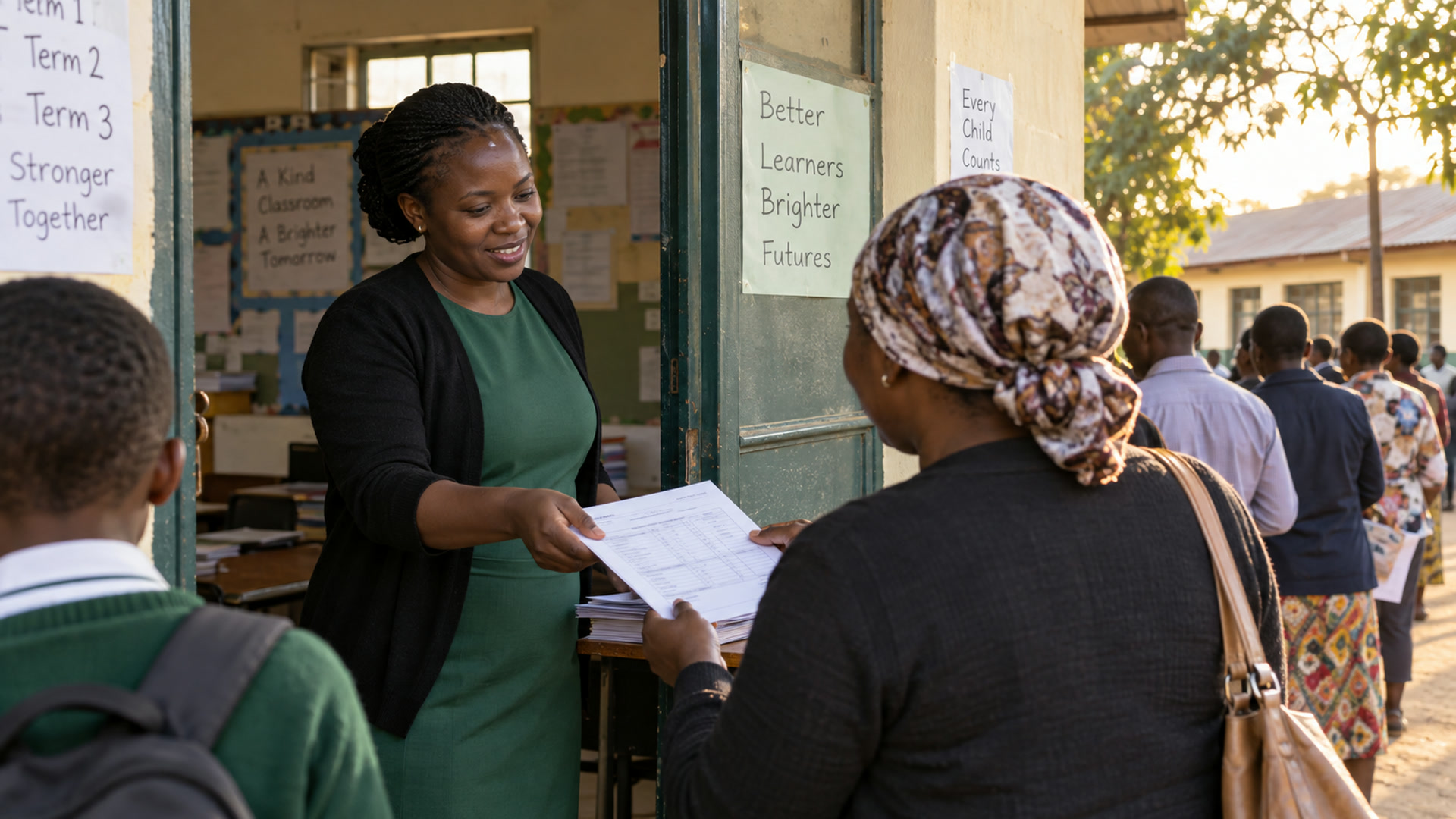
Leadership
Home depends on the job in front of you
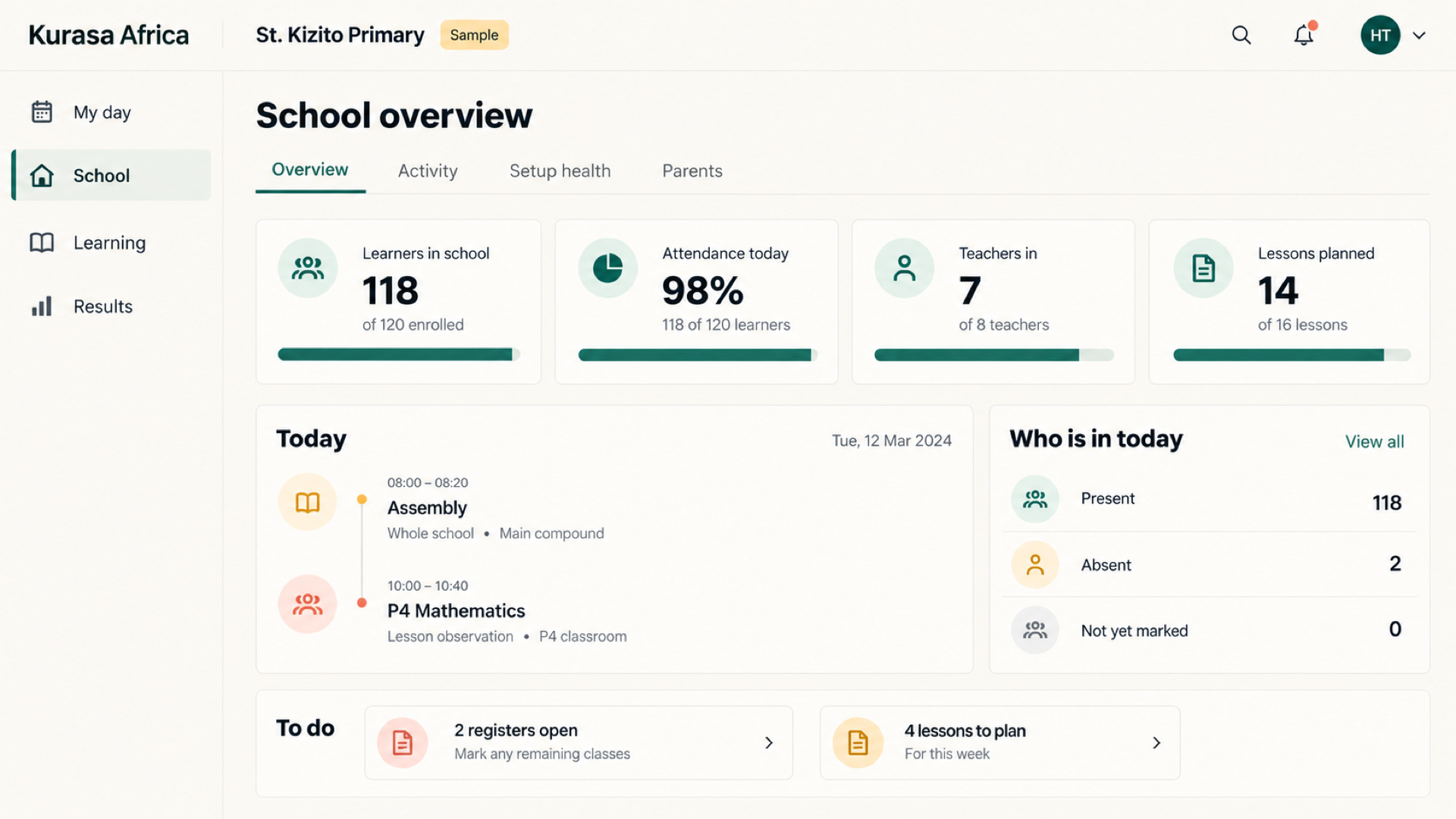
Leaders can already see planning, attendance and assessment across the school. The newer home — My day, School, Learning and Results — is in development. Badges are meant to count what needs a person today, not how many records exist.
A school picture
Heads see teacher activity, class performance and attendance without collecting notebooks.
Setup health
A setup score is designed to list what is still missing, such as a class with no teacher or a learner with no parent phone, and to offer the next fix.
Activity without a name
Department tables in the design show registers, plans and marks. They do not name an individual teacher.
Voices from education practice
Hear from educators and partners
Explore their accounts of lesson preparation, classroom evidence and teacher support.

Kenya · school leadership
Use the school record to guide teacher support.
S G Kimani · CEO, Marion Schools
S G Kimani explains how reviewing formative and summative records helps him identify the support teachers need.
Original audio: English
Review the teaching weekReports for decisions
Start with the question the report needs to answer: participation in a class, progress in a learning area or activity across a school. Check the period, included records and missing information. Compare like with like before using a summary to set priorities or discuss support.
From information to action
Turn a report into a focused conversation with the people who maintain the records. Agree what needs checking, who will follow up and when the team will review progress again. Keep the underlying context available so that the next action can be explained and revisited.
AI-assisted analysis
Where an eligible task is enabled, aiDE may help summarize permitted information or prepare a working document. Check totals, dates, interpretations and source records before using the output. A draft analysis still needs a person to decide what it means for the school.
Read a report with its context
Before discussing a class or school report, check the period covered, the records included and whether data entry is complete. Review attendance and assessment together where relevant. Different classes may have different teaching schedules or assessment coverage, so comparisons need explanation as well as a table of results.
Make the next action clear
Use a report to agree what needs attention, who will follow up and when the team will review progress. This might mean revisiting a topic, supporting a teacher or checking missing records. Share only the information appropriate to the audience and confirm available report formats during onboarding.
The problem
Term reports that start from empty templates invent a learner who never existed in the week’s record. Families get prose; schools lose the trail that justified it.
On closing day
Generate branded reports from the assessment trail, add termly comments, and send or print without rebuilding the learner from memory.
From the classroom record
Evidence first
Comments sit on top of competencies and attendance already captured.
School branding
Reports look like your school’s document — not a generic PDF chrome dump.
Families in the loop
The same record that built the report can reach Kurasa Home.
Related
Kurasa Workspace
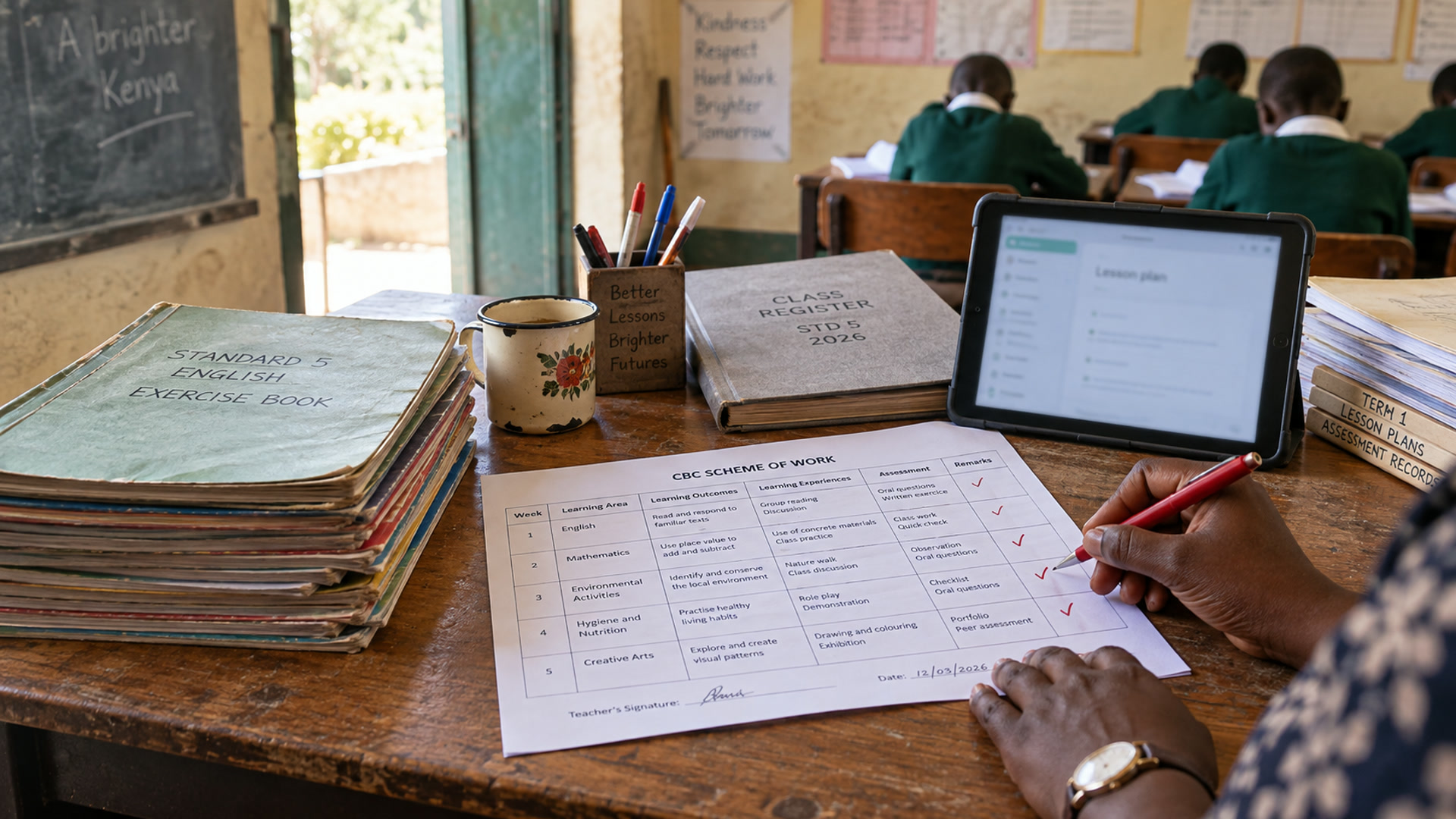
The digital school: teachers plan and assess, leaders see the whole school.
Explore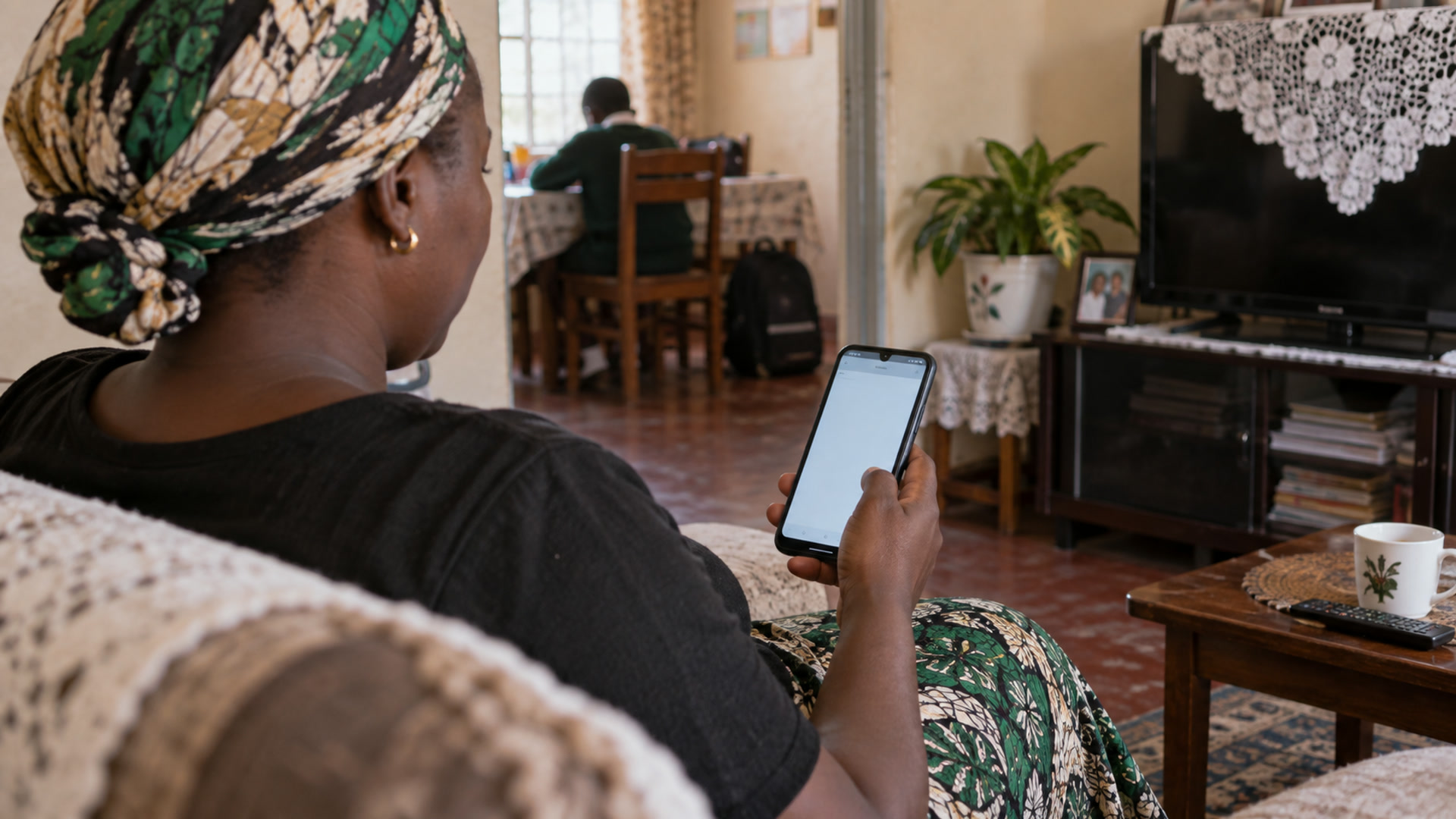
Family engagement
Parent communication and learning updates from the school record.
Explore
Assessment
Formative and summative assessment, grading and feedback.
Explore
School leaders
Visibility, reporting and operations for school leaders.
Explore