Ruka hadi maudhui
Anza

Kurasa Workspace

One workspace for teaching, assessment, and school leadership.

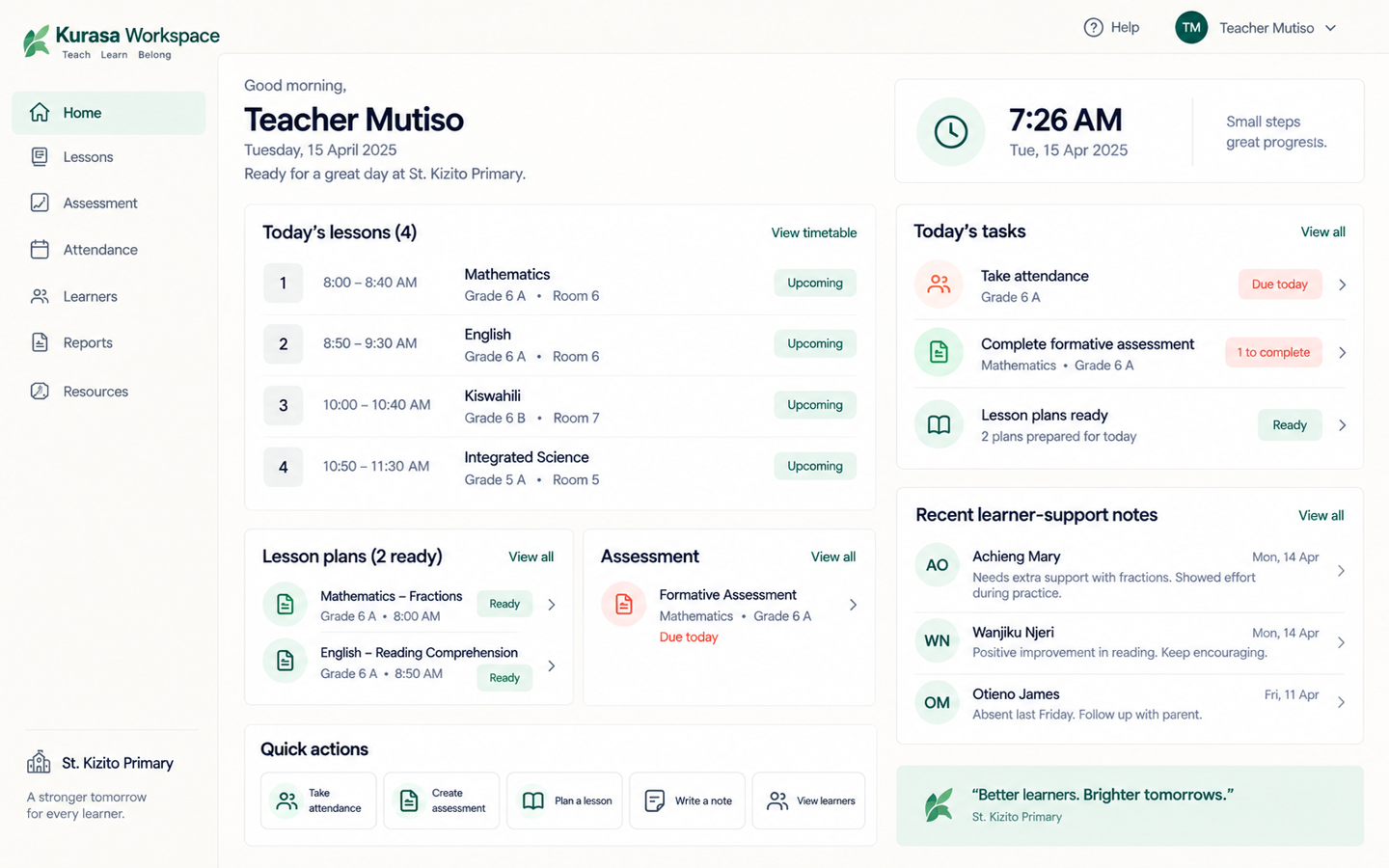
Kurasa Workspace is the digital school. Teachers plan lessons, assess every learner, mark attendance, and send reports. Headteachers see the whole school. Parents stay in the loop. Each school lives in its own secure workspace.

Works on desktop, tablet, and phone. Log in with email, phone, username, or email OTP.

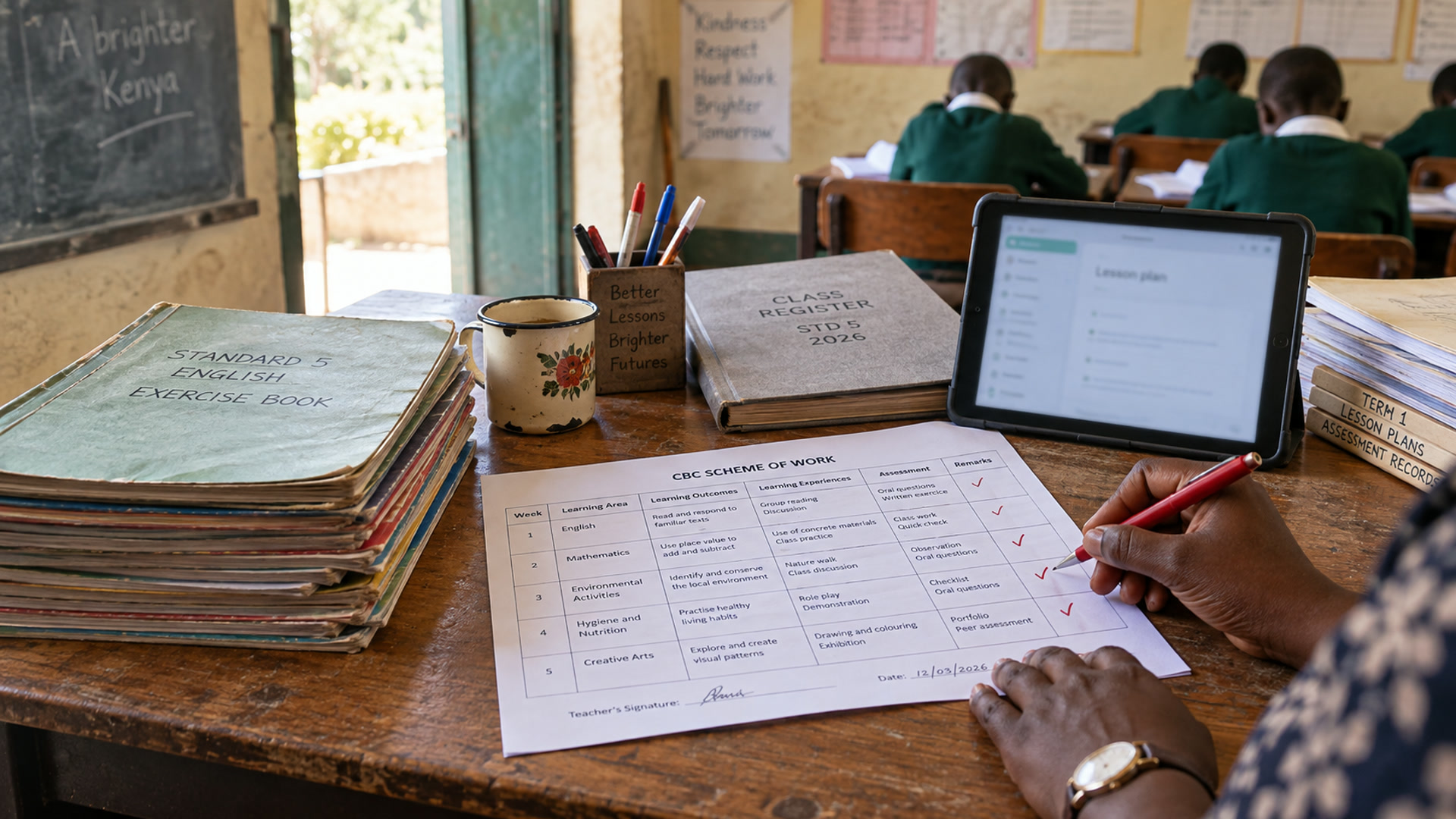
A teacher’s desk with a scheme of work, exercise books and a tablet open to lesson planning.
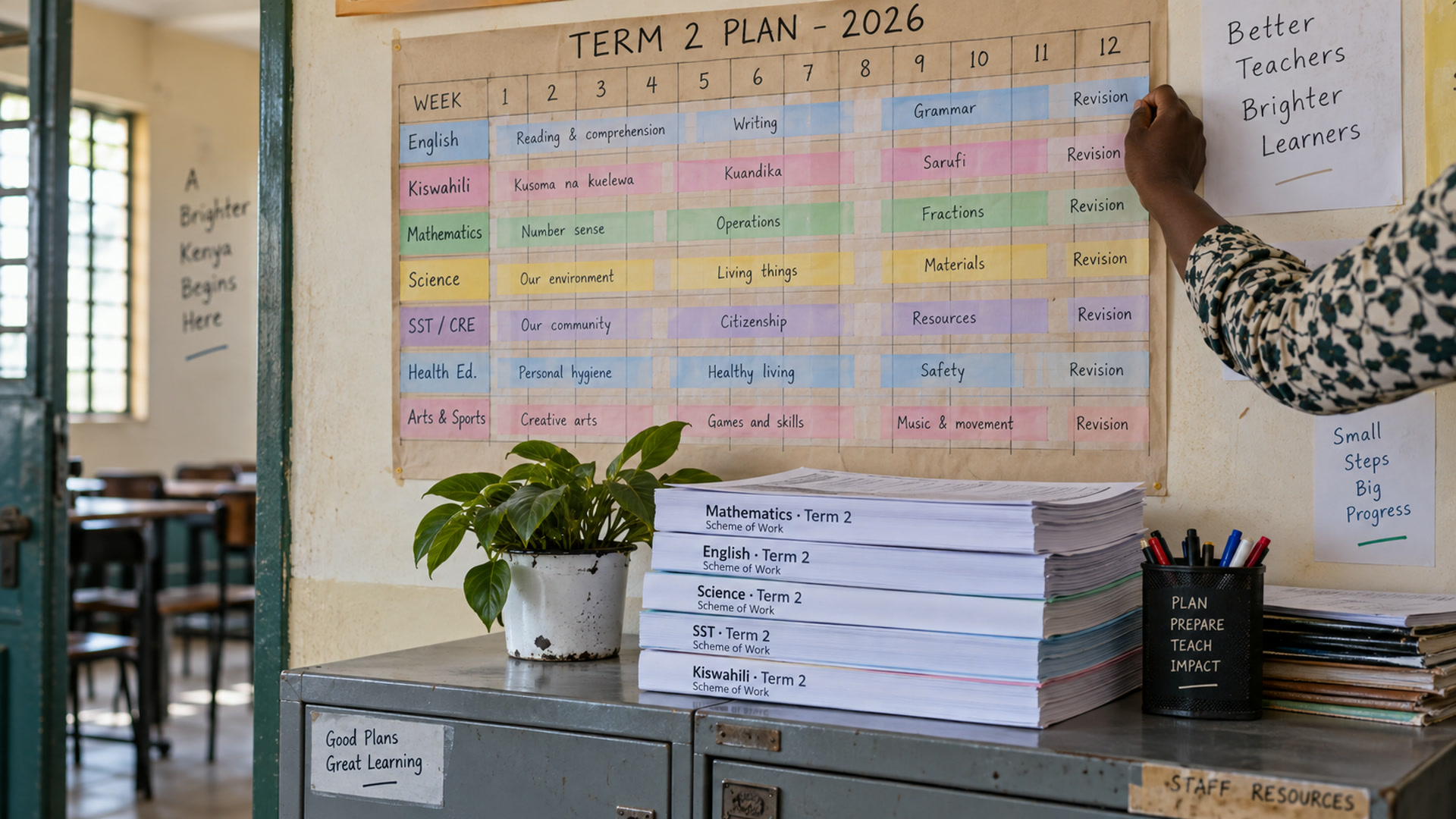
A wall planner and printed schemes showing term coverage for several subjects.
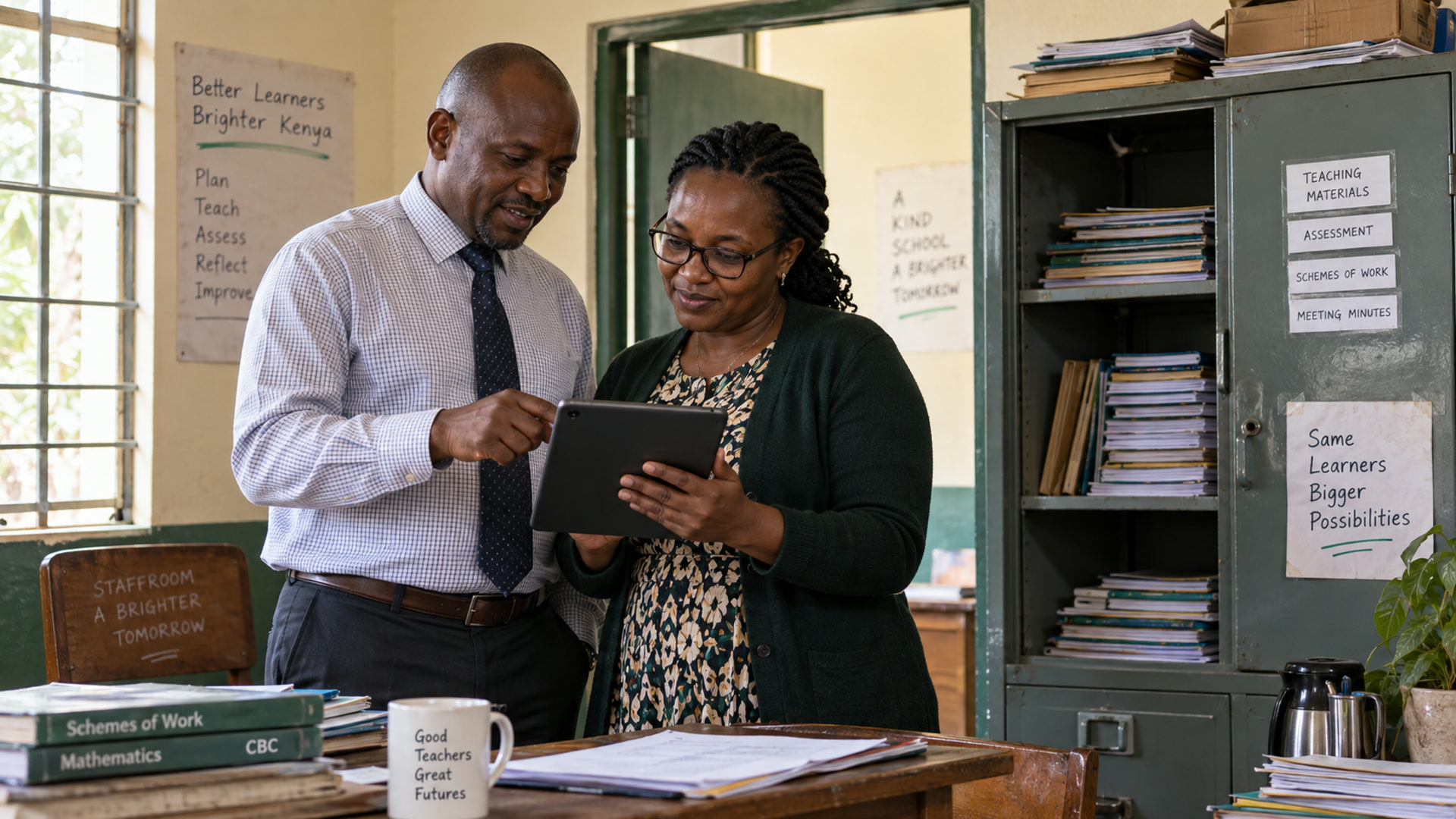
A head teacher and a subject lead review a tablet together in a staffroom.

What a workspace is

A Kurasa workspace is one school’s operating environment.

It holds teachers, classrooms, learners, assessments, attendance, reports, and school settings. A user only sees what their role allows. The same person can be a teacher in one school, a parent in another, and a headteacher in a third — without mixing data.

Create a workspace, add classrooms, invite your team, and start teaching the same day.

PTA is the operating model inside that workspace.

Three audiences

Teachers, leaders, and parents — in the same school.

Kwa walimu

Plan, teach, assess.

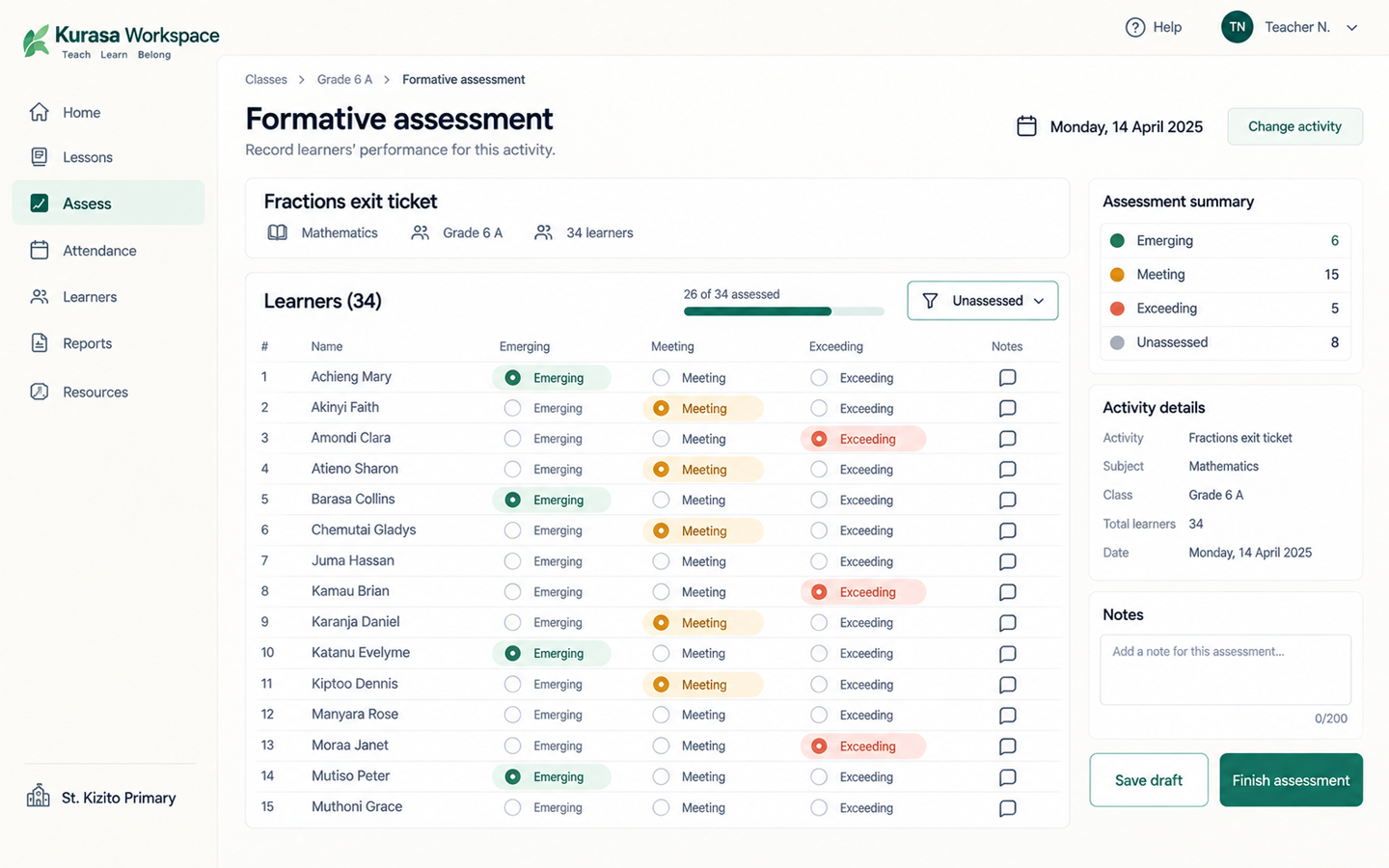
Plan the lesson, teach it, assess the class, and see who needs help — without paper grade books. Formative and summative assessment, schemes of work, attendance, and learner evidence sit in one place.

How PTA works

For school leaders

See the whole school.

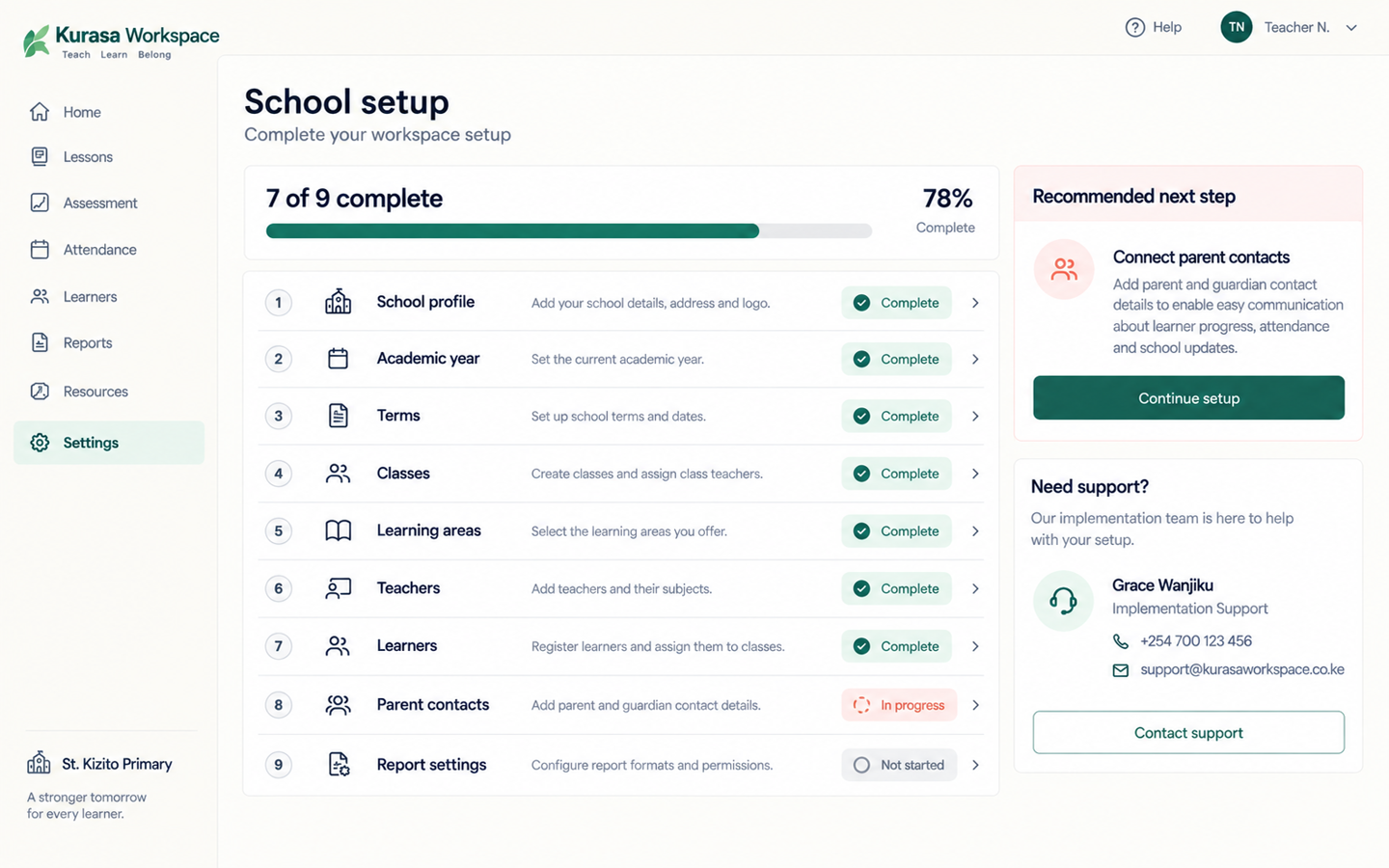
See teacher activity, setup health, class performance, parent engagement, and school-wide attendance from Home. Assign roles, set grading and term dates, and keep the school accountable without chasing spreadsheets.

Kwa wazazi

Stay in the loop.

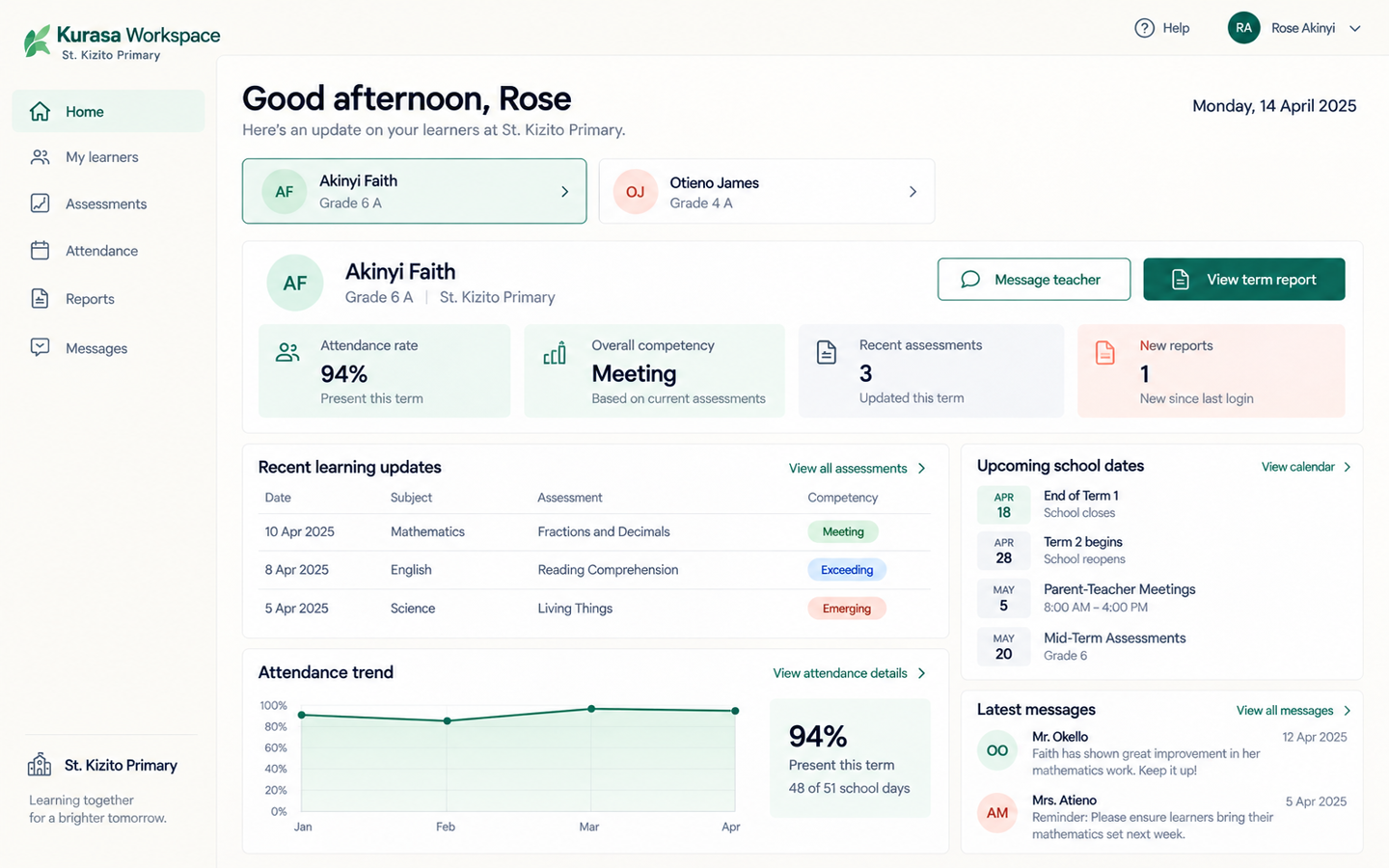
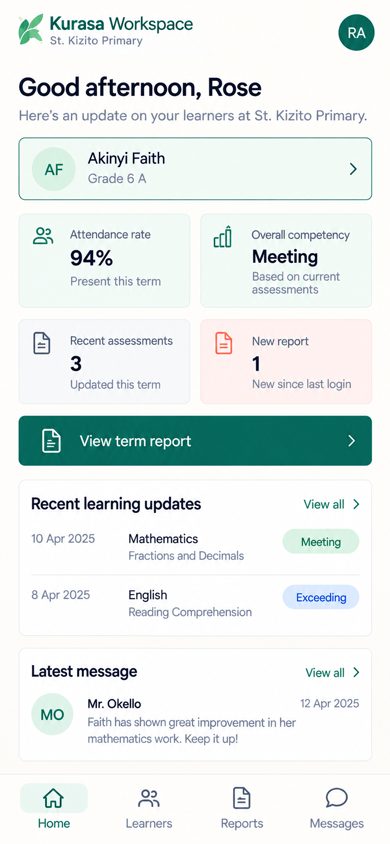
Follow each child’s assessments, attendance, and reports as they happen. Updates can come by SMS, in-app, or the guardian mobile app.

Inside Workspace

The school command center.

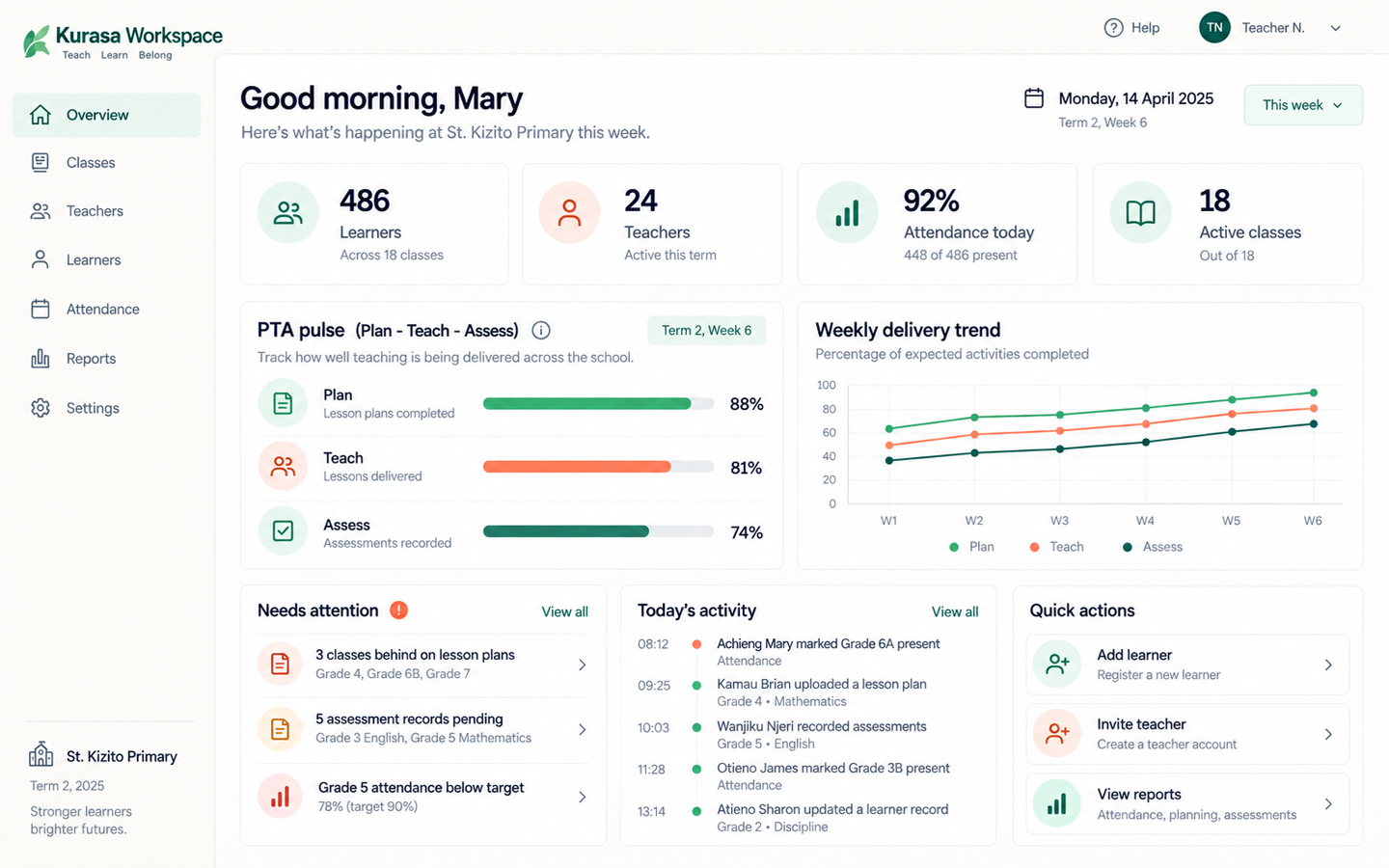
Kurasa Workspace admin dashboard for a school, with sidebar, classroom counts, and attention alerts.

Admin Home

The school command center

Attention alerts, classroom counts, and the week — sidebar visible.

On the phone

The same workspace, in a pocket.

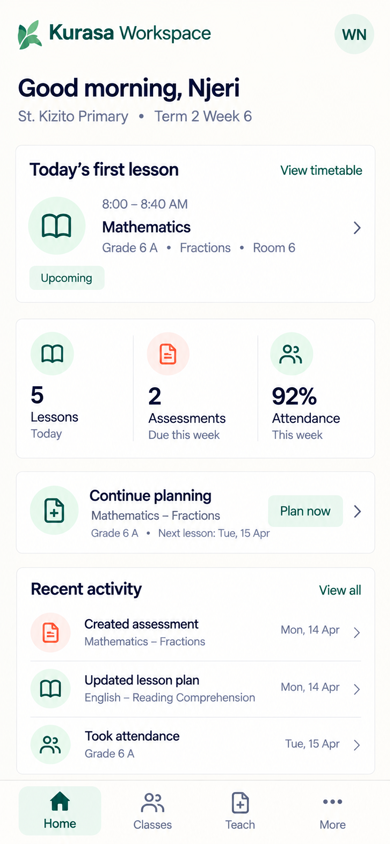
Kurasa Workspace Teacher Home on a phone, with Clock in visible.

Teacher Home

Clock in from the phone

Staff presence without a paper register.

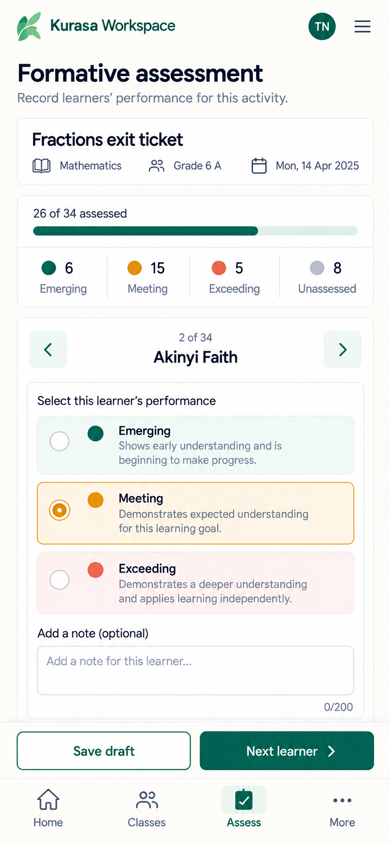
Kurasa Workspace formative marking on a phone.

Tathmini endelevu

Mark the class

Assess a full class in under two minutes.

Kurasa Workspace parent view of learners on a phone.

Parents

My Learners

A report, or Parent → My Learners. No Daily Challenge screen.

Features

Plan. Assess. See the school. Keep records. Talk to parents.

Plan

CBC-ready lesson plans, publisher teacher guides, schemes of work, and in-class lesson delivery. Clone and share plans across classes.

Assess

Daily formative assessment on strands and substrands, summative tests, mark upload, a question bank, and a digital grade book. Teachers can assess a full class in under two minutes. Evidence lives on the learner profile.

See the school

Admin Home shows attention alerts, lesson-plan health, subject completion, class activity, setup health, and parent engagement. Teacher Home shows clock-in, assessments, and attendance.

Keep records

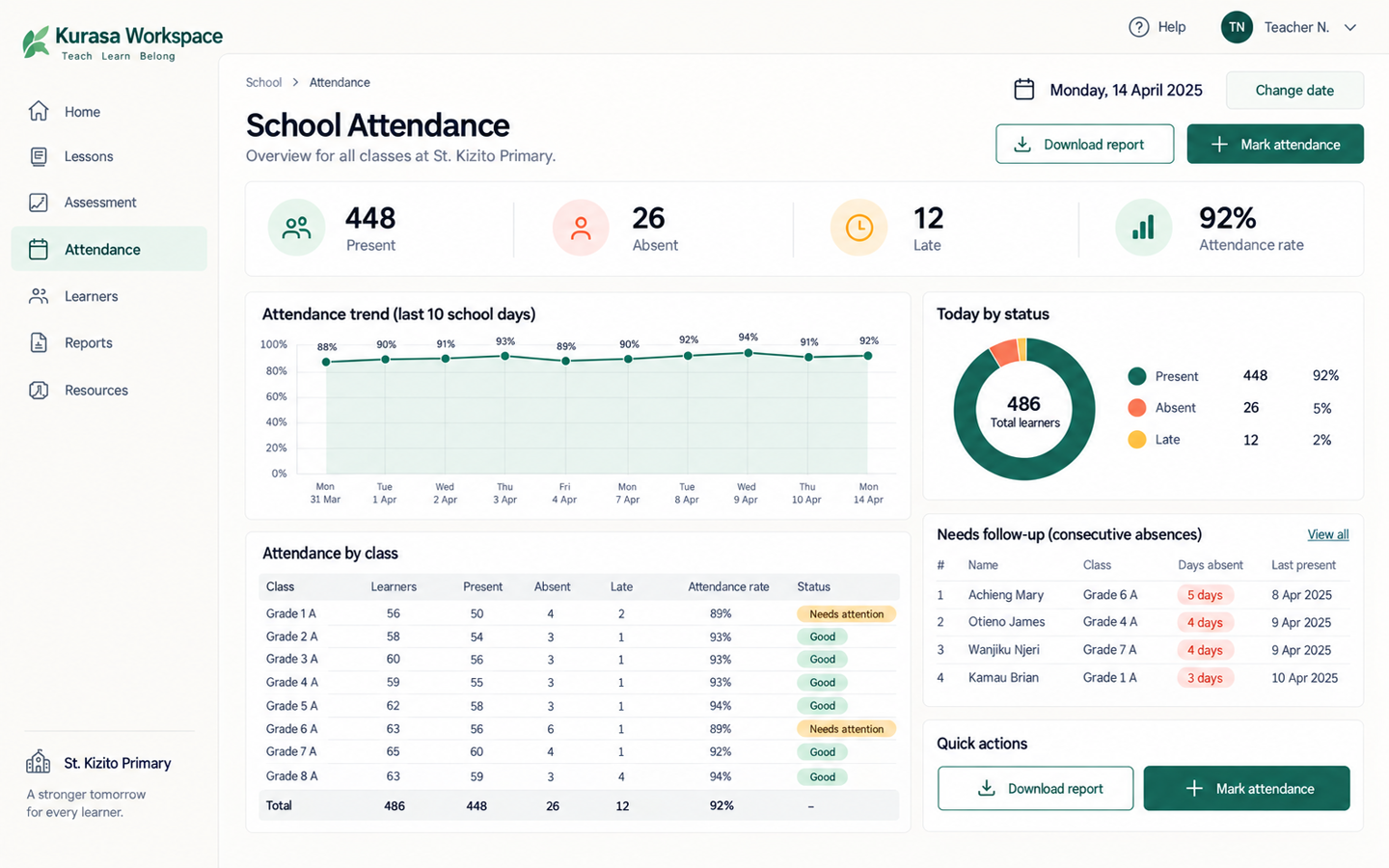
Class and school attendance, staff clock-in, learner timelines, IEPs, branded reports, and PDF grade books.

Talk to parents

Guardian accounts, class wall, SMS and in-app messages, templates, and termly comments.
Curricula

Built first for Kenya’s Competency Based Curriculum.

Also supports Ghana’s Common Core Program, IGCSE, ECD, 8-4-4, and other school programmes.

Kenya and Ghana.

Plans

Licensed per classroom, per term.

Confirm prices with sales before treating this as a quote.

Starter

Chanzo

KES 3,000 / term

Attendance, teacher guides, guardian accounts, schemes of work, reporting.

Talk to us

Gold

Imara

KES 8,000 / term

Hakika plus custom lesson plans, assignments, integrations, extra curricula, priority support.

Talk to us

Small classes of 5 or fewer learners get 35% off. Annual payment is 7.5% off. Group pricing via the sales team.

FAQ

Straight answers for schools.

What is Kurasa Workspace?

The school product for planning, assessment, attendance, reporting and parent communication. Each school has its own secure workspace. Kurasa Workspace.

What is a workspace?

One school (or education unit) on Kurasa. It keeps that school’s people, classes and records separate, and controls who can do what.

Who uses Workspace?

Teachers, headteachers, administrators and class teachers in the school. Parents and learners see what the school has authorised. Curriculum officers may be invited where a programme needs them.

Does Workspace support CBC?

Yes. Lesson plans, formative assessment, rubrics and reports are built around competency-based curriculum. Other curricula can be supported where a school programme needs them.

How do we sign in?

Teachers and school staff sign in at app.kurasa.co. Use email, phone, username, or email OTP. If you belong to more than one school, pick a workspace after login.

What is PTA on Kurasa?

Plan–Teach–Assess — the teacher operating model inside a school workspace. It is not a parent-teacher association. A class and learning area is planned, taught as a recorded session, then formatively assessed against curriculum indicators. Panga–Fundisha–Tathmini.

Is there a parent app?

Guardian accounts live in Workspace. The guardian mobile app is included on Hakika and Imara school plans. Updates can also come by SMS or in-app, as the school has set.

More questions

Start this week

Put your school in one workspace.

Create a workspace, invite teachers, and start assessing this week.

Open Workspace hello@kurasa.org 020 8000 208 0100 208 208

HQ — Kenya. 5th Floor, SUS Center, Keri Rd, Madaraka, Nairobi.

Kurasa West Africa — Ghana · P.O. Box MB 500, Accra · No. 2 Kwaku Boi Street, Romick Plaza, Adenta, Accra · +233 30 250 2359 · gh@mykurasa.com · info@esdev.org