Produits · Workspace
Un même espace pour enseigner, évaluer et accompagner l’école
Kurasa Workspace relie le travail de la classe et celui de l’école. Les enseignants préparent les apprentissages, consignent leurs observations et suivent chaque élève. La direction consulte les activités et les rapports de l’école.
Écouter les enseignants et les partenaires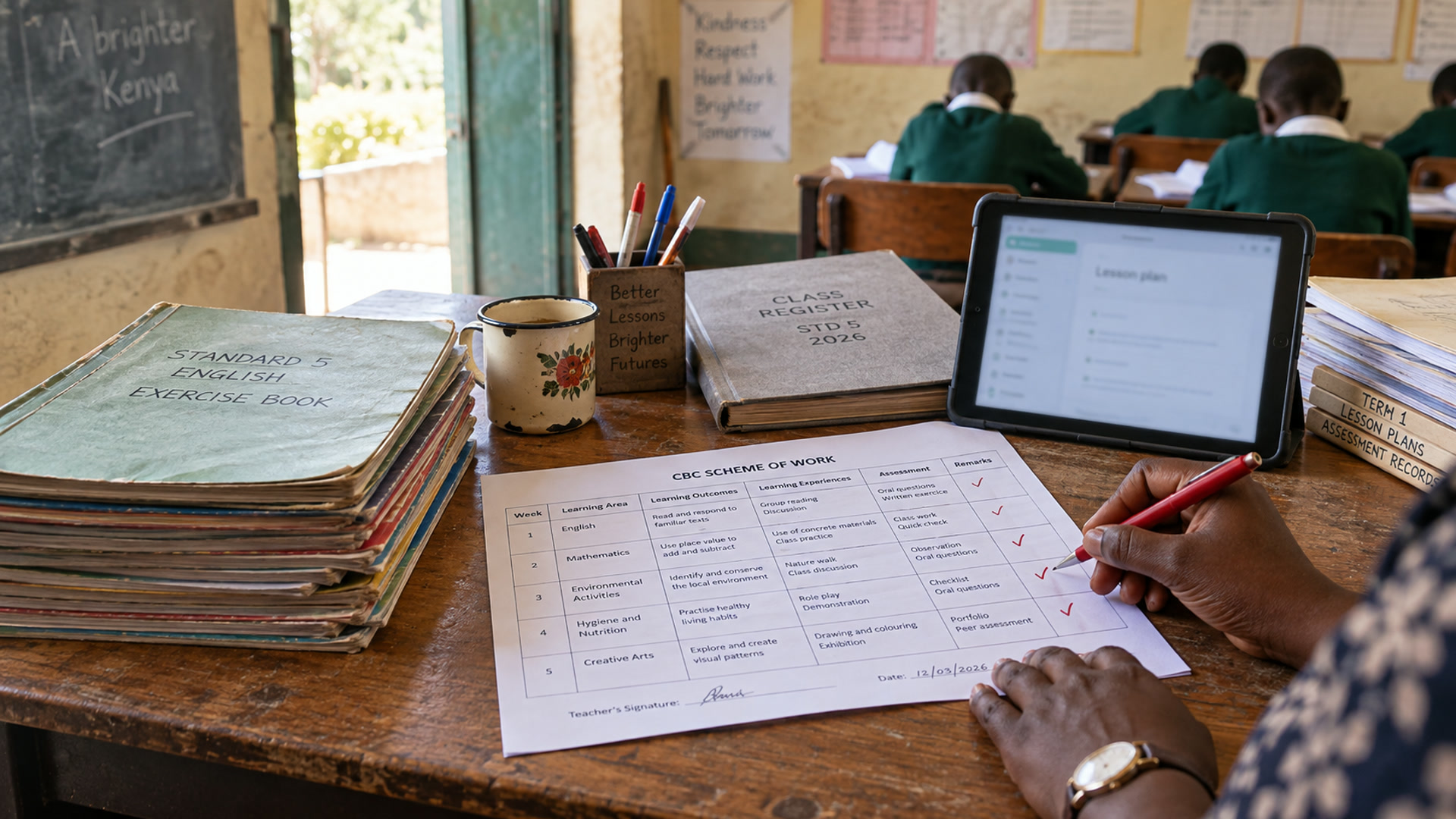
Dans Workspace
Un même dossier scolaire pour toute l’équipe éducative
Responsables, direction, enseignants, personnel administratif, familles, élèves et conseillers pédagogiques s’appuient sur un même dossier scolaire. Chacun accède aux informations liées à son rôle. Les équipes peuvent le consulter au bureau ou sur leur téléphone.
Connectez-vous une fois
Un compte peut être associé à plusieurs écoles et à différents rôles. Connectez-vous avec une adresse e-mail, un numéro de téléphone, un identifiant ou un code.
ExplorerEnseignement
Les progressions pédagogiques, les fiches de préparation, le registre de présence et les évaluations formatives restent rattachés à la même classe.
ExplorerÉvaluation et rapports
Les évaluations formatives et sommatives sont rattachées au dossier de l’élève. Les bulletins sont préparés à partir de ces informations.
ExplorerPrésences
Une présence ou une absence saisie dans le registre de classe met aussi à jour la vue d’ensemble de l’école.
ExplorerDossiers des élèves
Chaque élève et chaque famille disposent d’un dossier unique. Les évaluations, les présences et les rapports s’appuient sur ce même dossier.
ExplorerFamilles
L’école choisit les informations accessibles aux familles. Kurasa Home leur permet de les consulter.
ExploreraiDE
aiDE peut proposer un brouillon pendant la préparation d’une leçon. L’enseignant le vérifie, l’adapte et décide de ce qu’il conserve.
ExplorerPSL et Academy
Problem Solvers League accompagne la pratique et l’évaluation des élèves ; Kurasa Academy soutient la formation des équipes. Ces deux produits complètent le travail de la semaine.
ExplorerFonctionnement de l’école
La gestion financière, la restauration, les stocks, les ressources humaines et les activités quotidiennes font partie des fonctions en développement. Elles seront intégrées aux forfaits concernés à mesure de leur mise à disposition.
ExplorerVue départementale et zone
Un conseiller pédagogique pourra consulter les synthèses des écoles qui choisissent de les partager. Les noms des élèves, les informations familiales et les frais restent accessibles au sein de l’école.
ExplorerParoles d’acteurs de l’éducation
Écouter les enseignants et les partenaires
Découvrez leurs témoignages sur la préparation des leçons, les traces recueillies en classe et l’accompagnement des enseignants.

Kenya · pratiques de classe
Préparer la leçon. Tenir le suivi de la classe.
Stanley Kago · Cheleta Primary
Stanley Kago décrit la préparation des leçons, le relevé des présences et la tenue des dossiers d’évaluation à l’école primaire de Cheleta.
Audio d’origine : anglais
Découvrir la préparation pédagogique
Kenya · direction d’établissement
Le regard d’un responsable scolaire sur Kurasa
Anthony Pertet · Olerai Schools
Anthony Pertet, d’Olerai Schools, intervient au Kurasa Day de septembre 2023. Consultez aussi le guide actuel de Workspace.
Audio d’origine : anglais
Configurez votre écoleReliez les activités du quotidien
Reliez la préparation des leçons, les présences et les évaluations au dossier de la classe. L’enseignant peut comparer ce qu’il avait prévu aux observations de la semaine, puis choisir ce qu’il faut reprendre. Convenez d’une routine simple pour que la tenue des dossiers accompagne l’enseignement.
Donnez à chacun les informations utiles à son rôle
Les enseignants consultent les informations utiles à leur classe ; la direction dispose d’une vue adaptée à l’ensemble de l’école. Une personne peut avoir des rôles différents selon les établissements. Vérifiez l’école et le rôle sélectionnés avant de saisir une information, de partager une mise à jour ou de lire un rapport.
Commencez par votre école
Désignez un référent, vérifiez l’organisation des classes et préparez les dossiers des élèves avant d’inviter l’équipe. Commencez par une équipe ou une routine, identifiez les besoins d’accompagnement, puis élargissez progressivement. Précisez avec Kurasa les modalités de migration, de formation et de déploiement lorsqu’elles nécessitent un accompagnement particulier.
Reliez la préparation, le suivi et le bulletin
Le dossier scolaire se construit dès la préparation de la leçon, puis s’enrichit des présences et des observations d’évaluation. Workspace rassemble ces informations pour préparer la leçon suivante, échanger au sujet d’un élève ou rédiger le bulletin de la période. L’équipe vérifie les dossiers et les tient à jour.
Commencez par une routine simple
Commencez par une classe ou une équipe pédagogique. Vérifiez les dossiers des élèves et désignez les personnes qui les tiendront à jour. Introduisez progressivement la préparation des leçons, les présences et l’évaluation. La direction peut alors suivre les usages, repérer les besoins d’accompagnement et décider d’élargir la démarche.
Découvrir Workspace
Enseignement et préparation
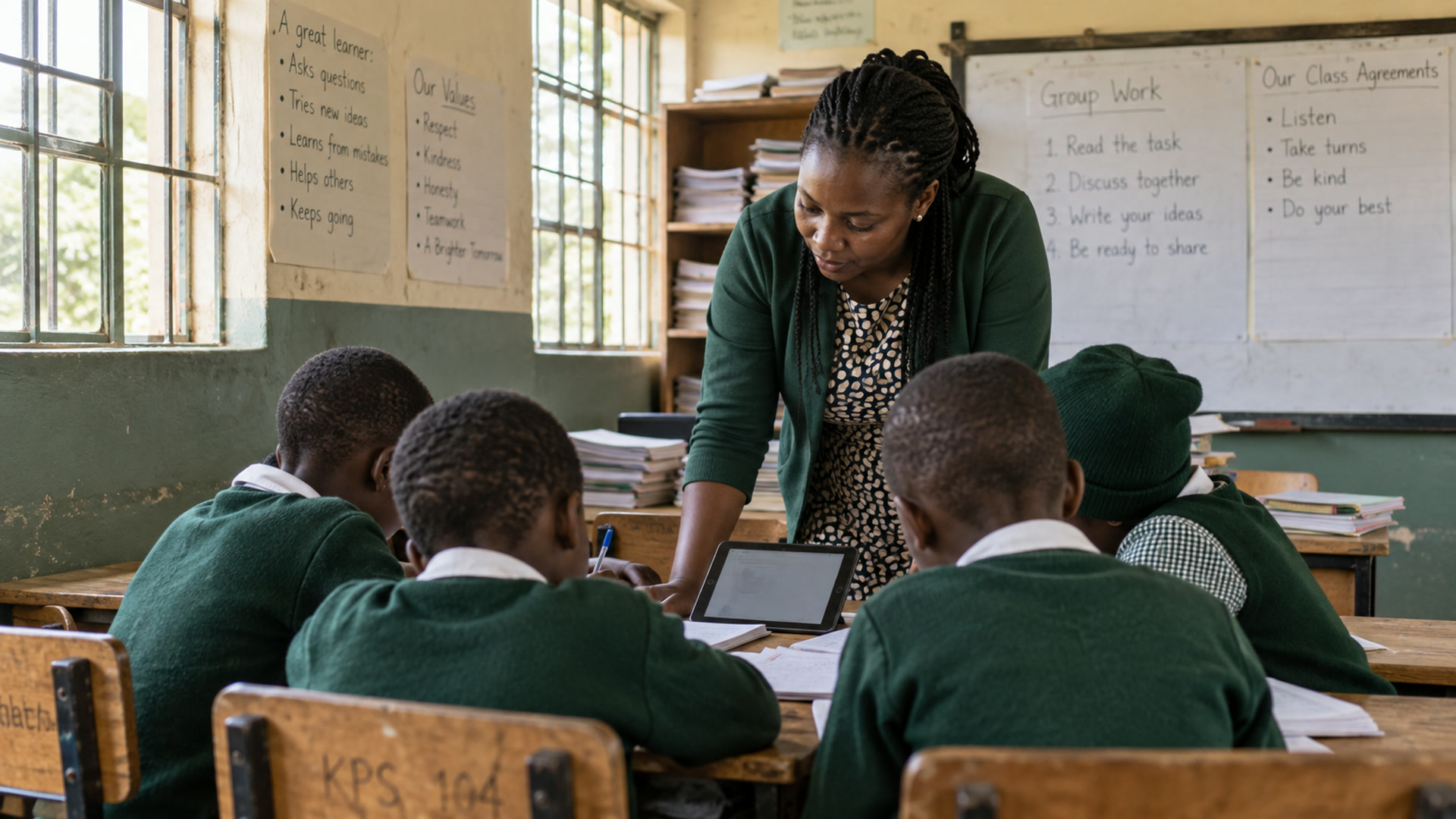
Kurasa aide les enseignants à organiser des progressions pédagogiques et des fiches de préparation. Les enseignants adaptent chaque plan à leurs élèves, au programme et au contexte de la classe.
ExplorerÉvaluation
Kurasa aide les écoles à organiser les informations d'évaluation et de notation afin que les enseignants puissent évaluer les progrès et décider où un soutien est nécessaire.
ExplorerDossiers des élèves
Kurasa aide les écoles à maintenir des profils d'élèves et à connecter les informations pertinentes aux flux de travail en classe et à l'école.
ExplorerPrésences
Kurasa aide les écoles à enregistrer la fréquentation et à l’intégrer dans le tableau de travail de l’école en matière de participation des élèves.
ExplorerSynthèses et rapports
Les rapports Kurasa aident les utilisateurs autorisés à examiner les informations sur les élèves, les classes et les écoles de manière organisée.
ExplorerLien avec les familles
Kurasa soutient la communication scolaire avec les familles. Les écoles décident quoi partager et qui peut le partager.
ExplorerQu'est-ce qu'un espace de travail
Un espace Kurasa rassemble le travail d’une école.
Il réunit les équipes, les classes, les dossiers des élèves, les évaluations, les présences, les rapports et les paramètres de l’école. Chacun voit uniquement les informations autorisées par son rôle. Une personne peut enseigner dans une école, être parent dans une autre et diriger un troisième établissement : les données restent séparées.
Créez un espace de travail, ajoutez des salles de classe, invitez votre équipe et commencez à enseigner le jour même.
PTA est le modèle opérationnel à l'intérieur de cet espace de travail.
Enseignants, direction et familles autour du même dossier scolaire.
Planifier, enseigner, évaluer.
Préparez la leçon, enseignez, évaluez et repérez les élèves à accompagner. Évaluations formatives et sommatives, progressions pédagogiques, présences et observations sont réunies dans un même espace.
Suivez l’ensemble de l’école.
Consultez l’activité des enseignants, l’état de la configuration, les performances de la classe, l’engagement des parents et la fréquentation de l’école. Attribuez des rôles, fixez les notes et les dates des trimestres, et tenez l'école responsable sans courir après les feuilles de calcul.
Restez au courant.
Suivez les évaluations, la fréquentation et les rapports de chaque enfant au fur et à mesure. Les mises à jour peuvent arriver via SMS, dans l'application ou via l'application mobile des responsables de l’enfant.
Dans Workspace
Une vue d’ensemble pour la direction.
- Planifier
Des progressions pédagogiques et des fiches de préparation adaptées à vos élèves et à votre classe.
- Évaluer
Consignez les observations des évaluations formatives et sommatives, puis choisissez les points à reprendre avec les élèves.
- Étape suivante
Vérifiez, adaptez et décidez de la suite.
Préparer. Évaluer. Suivre la vie de l’école. Tenir les dossiers. Échanger avec les familles.
Planifier
Plans de cours prêts pour CBC, guides de l'enseignant de l'éditeur, plans de travail et prestation de cours en classe. Clonez et partagez des plans entre les classes.
Évaluer
Évaluation formative quotidienne sur les volets et sous-domaines, tests sommatifs, téléchargement de notes, banque de questions et carnet de notes numérique. Les enseignants peuvent évaluer une classe complète en moins de deux minutes. Les preuves résident dans le profil de l’élève.
Voir l'école
L’accueil de la direction présente les points à suivre : préparation des leçons, progression dans les matières, activités des classes, configuration et échanges avec les familles. L’accueil des enseignants rassemble le pointage, les évaluations et les présences.
Tenir des registres
Présence en classe et à l'école, pointage du personnel, calendriers des élèves, PEI, rapports de marque et carnets de notes PDF.
Parlez aux parents
Comptes tuteurs, mur de classe, SMS et messages intégrés à l'application, modèles et commentaires trimestriels.
Programmes d'études
Construit d’abord pour le programme d’études basé sur les compétences du Kenya.
Prend également en charge le programme de base commun du Ghana, IGCSE, ECD, 8-4-4 et d'autres programmes scolaires. Kenya et Ghana.
Questions que les écoles se posent en premier.
Qu'est-ce que Kurasa Workspace ?
Le produit scolaire pour la planification, l'évaluation, l'assiduité, les rapports et la communication avec les parents. Chaque école dispose de son propre espace de travail sécurisé. Kurasa Workspace.
Qu'est-ce qu'un espace de travail ?
Une école (ou unité éducative) sur Kurasa. Il permet de séparer les personnes, les classes et les dossiers de cette école et de contrôler qui peut faire quoi.
Qui utilise Workspace ?
Enseignants, directeurs, administrateurs et professeurs de classe de l'école. Les parents et les élèves voient ce que l'école a autorisé. Les responsables des programmes d'études peuvent être invités lorsqu'un programme en a besoin.
Est-ce que Workspace prend en charge CBC ?
Oui. Les fiches de préparation, l'évaluation formative, les grilles d'évaluation et les rapports sont construits autour d'un programme basé sur les compétences. D’autres programmes peuvent être soutenus lorsqu’un programme scolaire en a besoin.
Comment pouvons-nous nous connecter ?
Les enseignants et le personnel de l'école se connectent à app.kurasa.co. Utilisez l'e-mail, le téléphone, le nom d'utilisateur ou l'e-mail OTP. Si vous appartenez à plusieurs écoles, choisissez un espace de travail après vous être connecté.
Qu'est-ce que PTA sur Kurasa ?
Planifier-Enseigner-Évaluer - le modèle opérationnel de l'enseignant dans un espace de travail scolaire. Ce n'est pas une association de parents d'élèves. Une classe et un espace d'apprentissage sont planifiés, enseignés sous forme de session enregistrée, puis évalués de manière formative par rapport aux indicateurs du programme. Planifier–Enseigner–Évaluer.
Existe-t-il une application parent ?
Les comptes tuteurs résident en Workspace. L'application mobile des responsables de l’enfant est incluse dans les forfaits scolaires Hakika et Imara. Les mises à jour peuvent également être effectuées via le SMS ou dans l'application, comme l'école l'a défini.
Connexes
Aide Workspace
School setup, curriculum workflows, administration and weekly routines.
Explorer
Produits
Workspace, aiDE, PSL, TLAP et Academy, et comment ils se connectent.
Explorer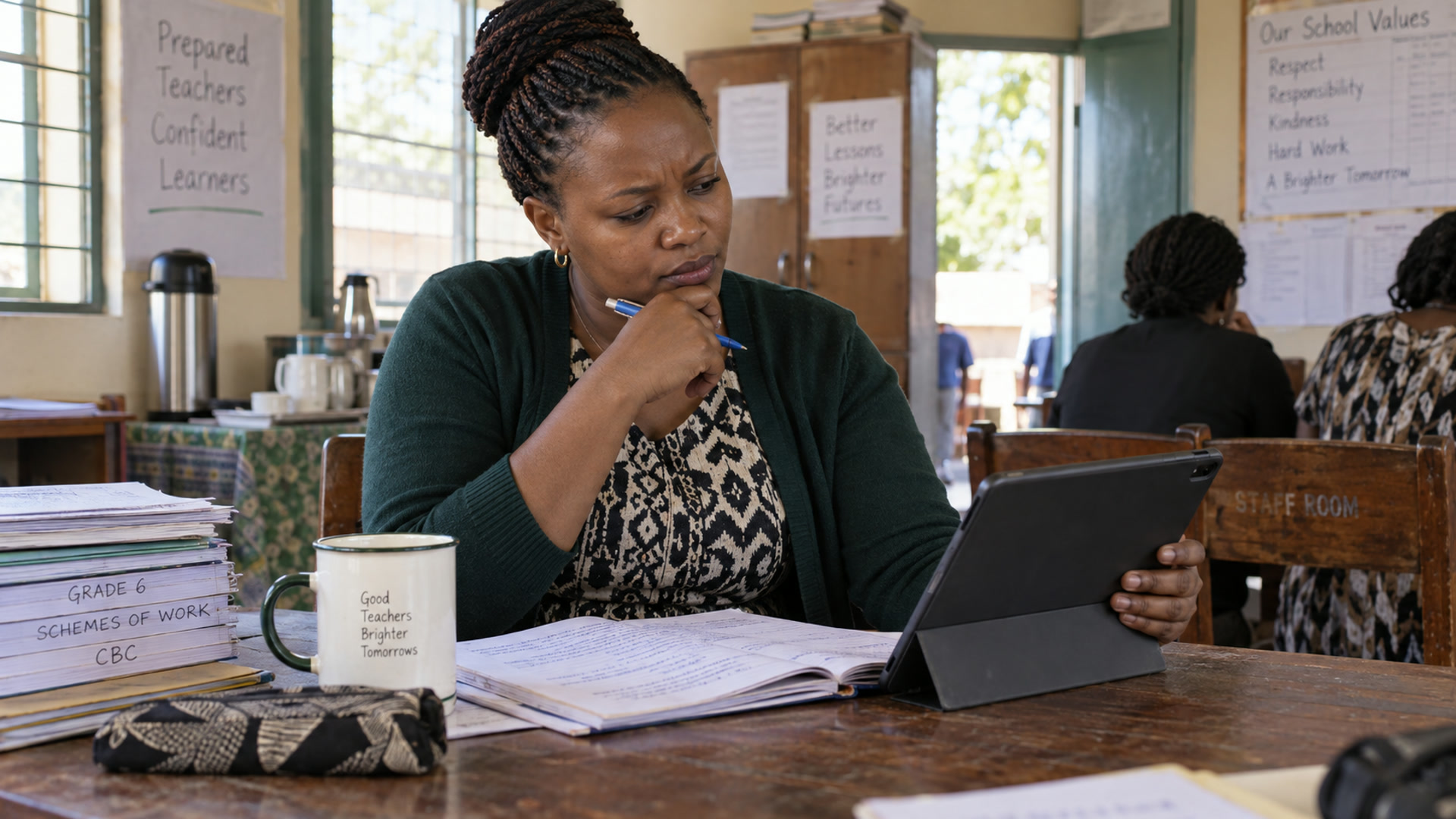
aiDE
L’assistance par IA pour les enseignants et les directions d’école.
Explorer
Formules scolaires
Chanzo, Hakika et Imara.
Explorer
Premiers pas
Une prise en main autonome en quatre étapes.
Explorer