
Understanding Kurasa Workspaces #
Kurasa uses workspaces to organize schools, users, and permissions in a structured and secure way. A workspace represents a school or group of schools and controls who can access data, manage users, and perform specific actions on the platform.
Workspaces ensure that every user only sees what they are responsible for, making Kurasa easy to use, secure, and scalable for both single schools and multi-school organizations.
2.1 What is a Kurasa Workspace? #
Definition and Purpose of a Workspace #
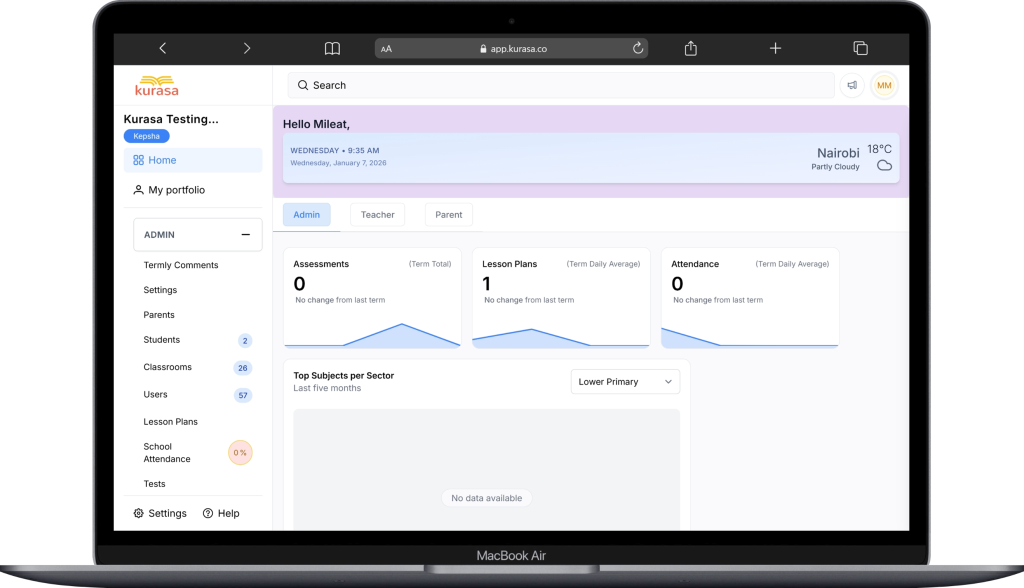
A Kurasa workspace is the main operational environment where a school’s data lives. It brings together:
- Teachers and administrators
- Learners and classrooms
- Assessments, attendance, and reports
- School-level settings and configurations
Each workspace acts as a digital representation of a school or education unit within Kurasa Africa, ensuring that information is organized, secure, and easy to manage.
The purpose of a workspace is to:
- Separate data between different schools
- Control user access and permissions
- Support accountability and clarity in school operations
Workspace and Profile Modularity on Kurasa #
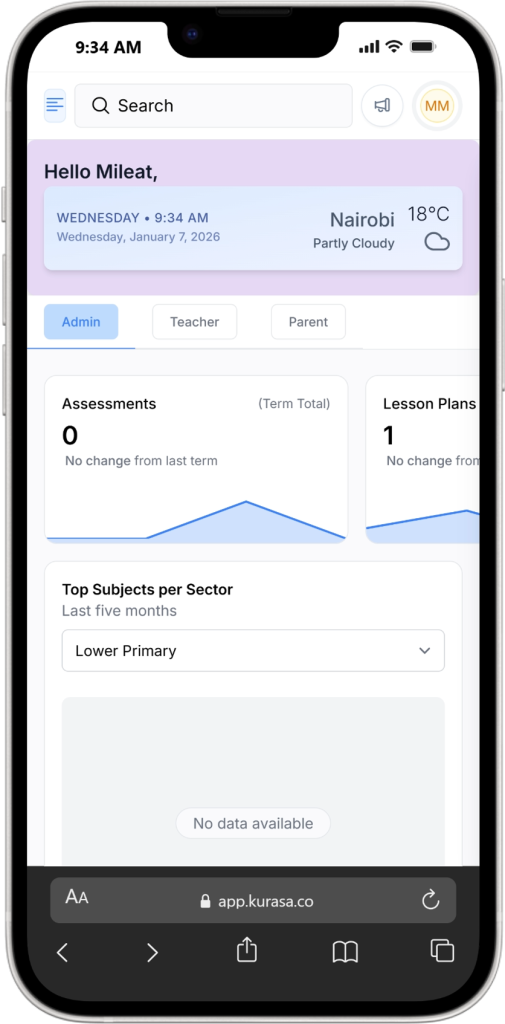
Kurasa workspaces are modular not only in features, but also in user profiles and roles. A single user can hold different roles across multiple workspaces depending on the school or setup. For example, the same person may be a parent in one workspace, a teacher in another, and a headteacher or administrator in a different school. Each role is applied independently within its workspace, meaning permissions, data access, and responsibilities change based on context. This profile-level modularity ensures flexibility without compromising data separation, allowing users to participate in multiple schools while only accessing information relevant to their role in each workspace.
2.2 Workspace Roles and Permissions #
Kurasa uses role-based access to define what each user can see and do inside a workspace. Roles help maintain data security and ensure responsibilities are clear.
Workspace Owner #
The Workspace Owner has the highest level of access within a workspace.
Key responsibilities include:
- Creating and managing the workspace
- Assigning and removing administrators
- Controlling high level settings
- Overseeing user access and permissions
Typically, this role is held by:
- School founders
- Headteachers
- Organization leads
There is usually one primary Workspace Owner per workspace.
School Administrator #
School Administrators manage the daily operational setup of the school.
They can:
- Add and manage teachers
- Set up classes and academic terms
- Monitor lesson planning and assessments
- View school-wide reports and dashboards
Administrators ensure that the school runs smoothly on Kurasa without handling system-level ownership controls.
Teacher #
Teachers are the core users of Kurasa and interact with the platform daily.
Teachers can:
- Plan lessons
- Mark attendance
- Create and mark assessments
- View learner performance for their classes
Teachers only access:
- Their assigned classes
- Their subjects and learners
They cannot see or change school-wide administrative settings unless given additional permissions.
Data & Support Roles #
Data and Support roles are designed for oversight, monitoring, and technical assistance.
These roles may include:
- Data analysts
- Support staff
- Education officers
- Partner organizations
Their access is usually:
- Read-only or limited action
- Focused on reports, analytics, or troubleshooting
- Restricted from modifying classroom or learner data
These roles help maintain quality assurance and system support without interfering with school operations.
Why Kurasa Workspaces Matter #
Kurasa workspaces make it possible to:
- Keep school data secure and well organized
- Scale from one school to many without confusion
- Ensure accountability through clear roles
- Give every user the right level of access
By structuring schools through workspaces, Kurasa supports efficient management, better decision making, and a smoother experience for teachers and administrators alike.


