Products · aiDE
AI that helps with the work inside Kurasa
aiDE is Kurasa’s AI work layer. It helps teachers and school teams complete selected tasks using workflows, permissions and information available to them.
aiDE in Workspace
Help beside the work, checked by a person
aiDE can draft activities into the lesson the teacher still owns. Asking questions about school data, and suggesting classroom resources, are in development. aiDE does not decide.
Beside the lesson
Suggestions sit next to the plan. The teacher inserts, edits or discards them.
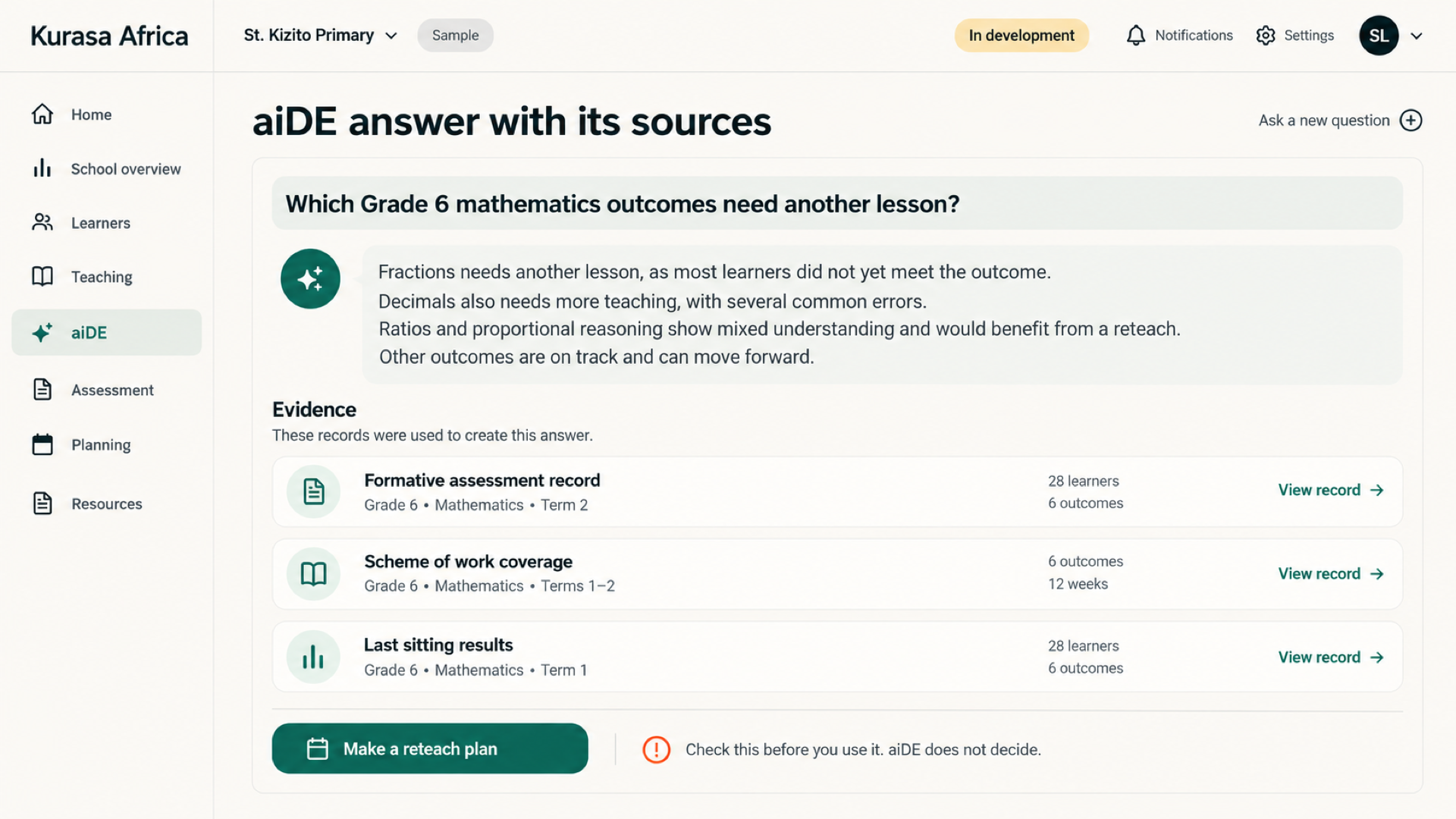
Questions about the school
A leader would ask in plain language and see the evidence behind the answer. aiDE would only see what that role is allowed to open. Fees and health notes stay out.
Resources for a plan
While writing a plan, a teacher would be able to ask for resources matched to the outcomes, preview them, and add the ones they want. The credit rule for that step is not published yet.
Plan, create, analyze and act
Begin with a specific task and the information needed to complete it. Depending on enabled access, aiDE can assist with teaching materials, permitted analysis and document drafts. Describe the audience and intended use so the result is easier for the responsible person to review.
Keep people in control
Read the output before using or sharing it. Check factual accuracy, calculations, tone and relevance to the classroom or school. Make any required edits and obtain the normal approval for the work. AI assistance does not transfer responsibility for teaching, records or school decisions away from people.
Transparent access
Review eligible tasks and the applicable credit arrangements before starting regular use. Ask how access, allowances and review responsibilities fit your role and school. The credit and fair-use pages provide the next step for understanding the offer; a product example is not a purchase or access entitlement.
Begin with a clear task
Give aiDE a specific purpose: preparing an activity, drafting a document or exploring permitted school information. Include the audience, learning context and output you need. A focused request makes it easier to assess the result and decide what needs editing before it becomes part of your work.
Check the result before using it
Review facts, calculations, curriculum fit and tone. Compare an analysis with the source records and make sure a classroom resource suits your learners. Available tasks depend on your access and enabled features. Read the controls and credit information, or ask Kurasa which workflows apply to your school.
Explore aiDE
aiDE for teachers
Use aiDE to draft lesson activities in Workspace. You decide what belongs in the lesson and review the draft before using it in class.
ExploreaiDE for school leaders
Asking aiDE questions about school records is in development. Use the examples below to plan what your team would ask, which records it could use and how a person would verify the answer.
ExploreCredits & fair use
Bring clear expectations to AI use in school. Discuss permitted tasks, credit allowances and the responsibilities of users and administrators before your team begins.
ExploreTrust & controls
aiDE should operate within the user’s permissions and available information.
ExploreThe problem
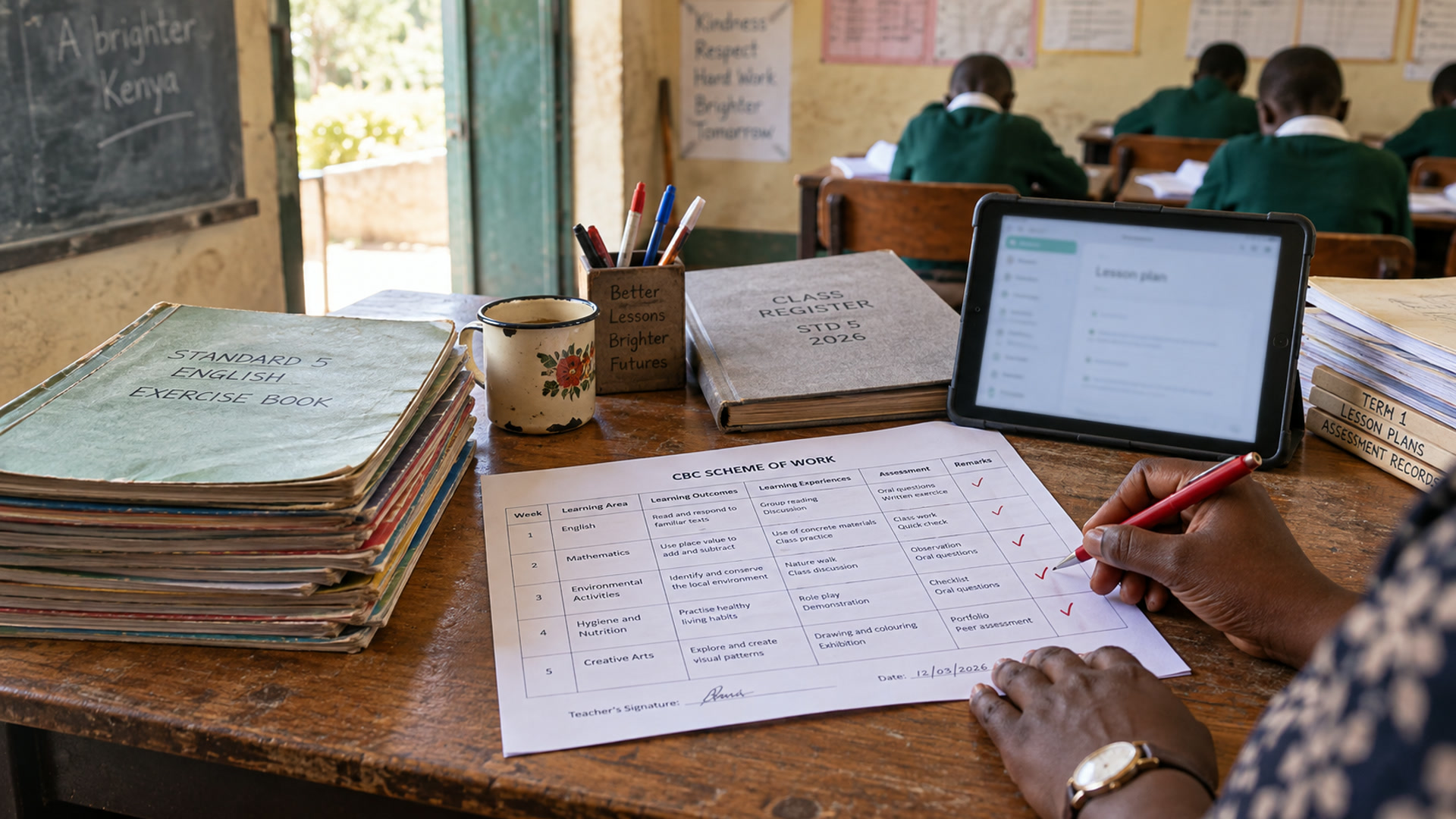
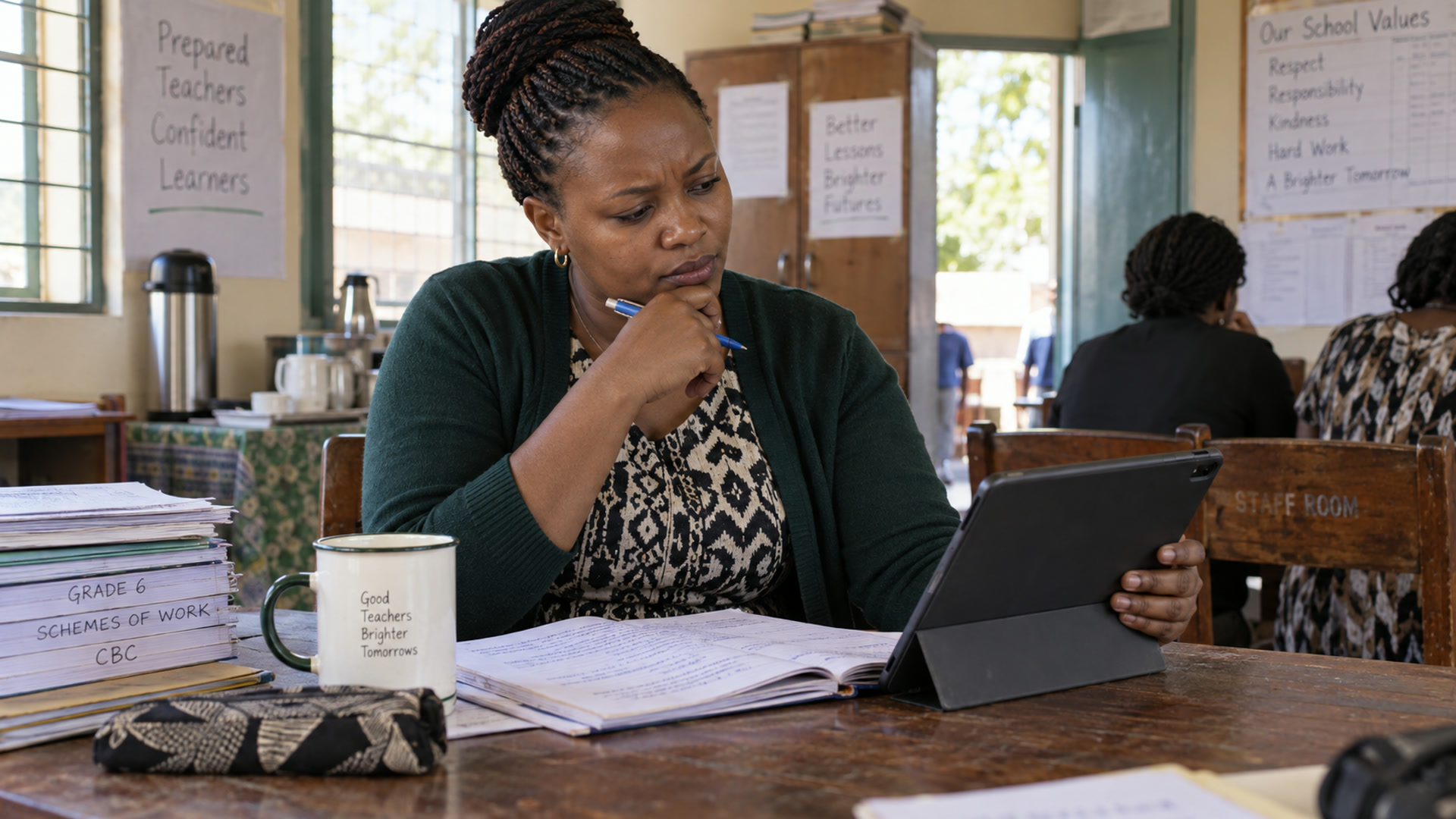
Blank-page planning eats the evening. Generic AI chat sits outside the scheme and invents activities that never match the class you teach tomorrow.
In the staffroom
Open the lesson, ask aiDE for activity ideas that fit the outcomes, edit what lands, and keep the teacher-authored plan in the main column.
From the classroom record
Beside the plan
Suggestions appear next to the lesson — not in a separate chatbot tab.
You stay the author
Insert, edit or discard. The workspace keeps your version.
CBC-shaped prompts
Activities lean on classroom materials teachers already use — not sci-fi labs.