Resources · AI in schools
Put AI to work with people in control
Explore guidance on AI in school workflows with review, permissions and fair-use controls.
Before staff try an AI task
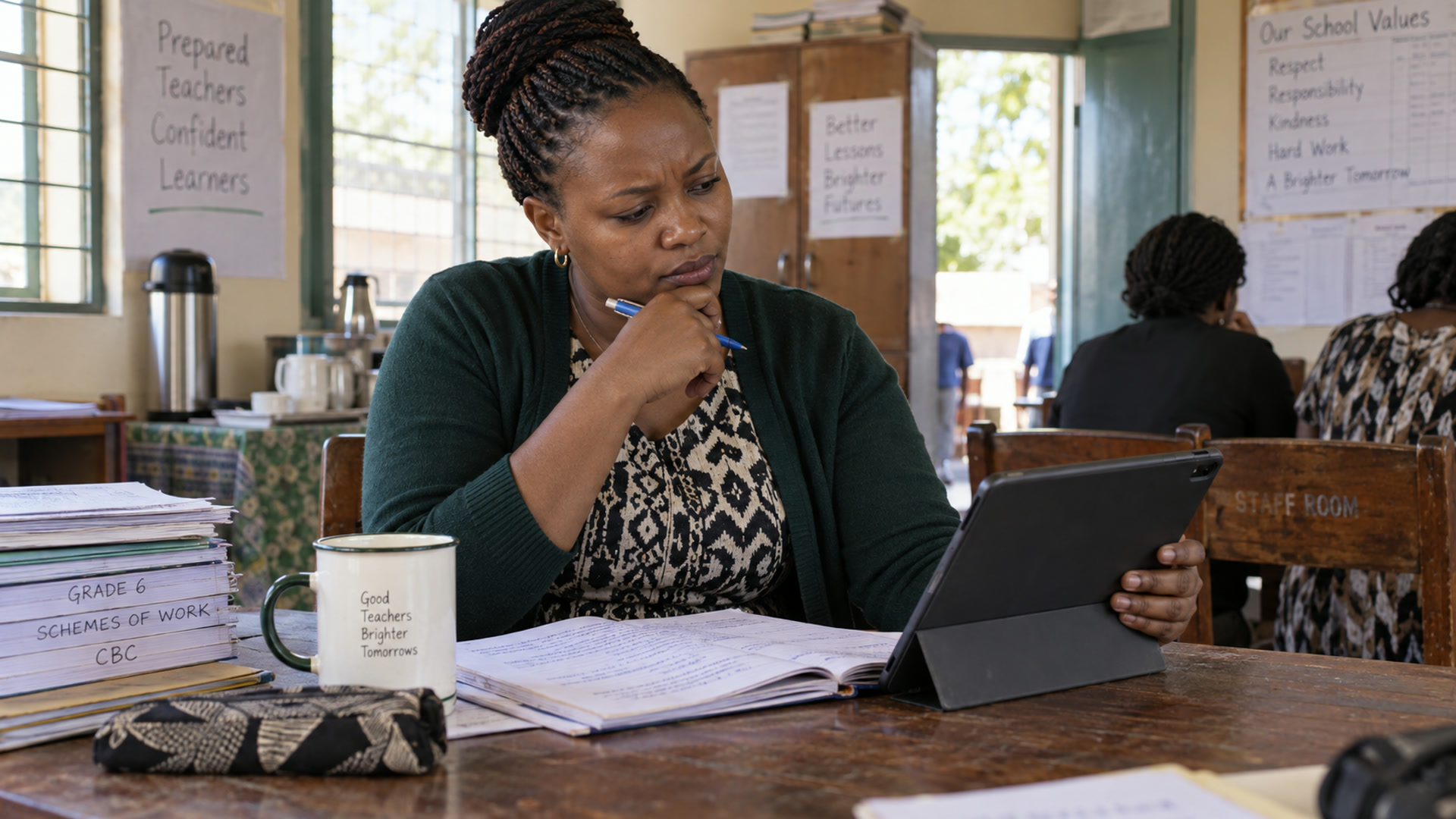
Pick a low-stakes task such as drafting a class activity. Give the grade, topic and learning objective without including learner names. Have the teacher check the facts, instructions and suitability for the class. Agree which tasks need a second reviewer and which records staff must keep out of prompts.
Start with a task and a review step
Choose a practical request such as preparing a classroom activity or drafting a working document. Specify the audience and context, then check the result before use. Teachers and leaders should decide where AI assistance is helpful and where a task needs direct professional attention or the school’s normal approval.
Use school information carefully
Only include information appropriate to the task and permitted by your role and school policies. Confirm supported aiDE workflows and credit arrangements before planning staff use. Read the AI use and privacy pages for expectations, and explore the teacher and leader product pages for role-specific guidance on reviewing drafts.
Related

Resources
Essays, papers, guides and evidence from five years in classrooms.
Explore
aiDE
The AI work layer for teachers and school leaders.
Explore
Trust & controls
Permissions, human review and what aiDE cannot do.
Explore
AI use
How Kurasa uses AI, and where people stay in charge.
Explore
aiDE for teachers
Plan, create, assess and respond, with the teacher in charge.
Explore