More time for teaching and learner support
Kurasa brings common teaching workflows together.
Hear from educators and partners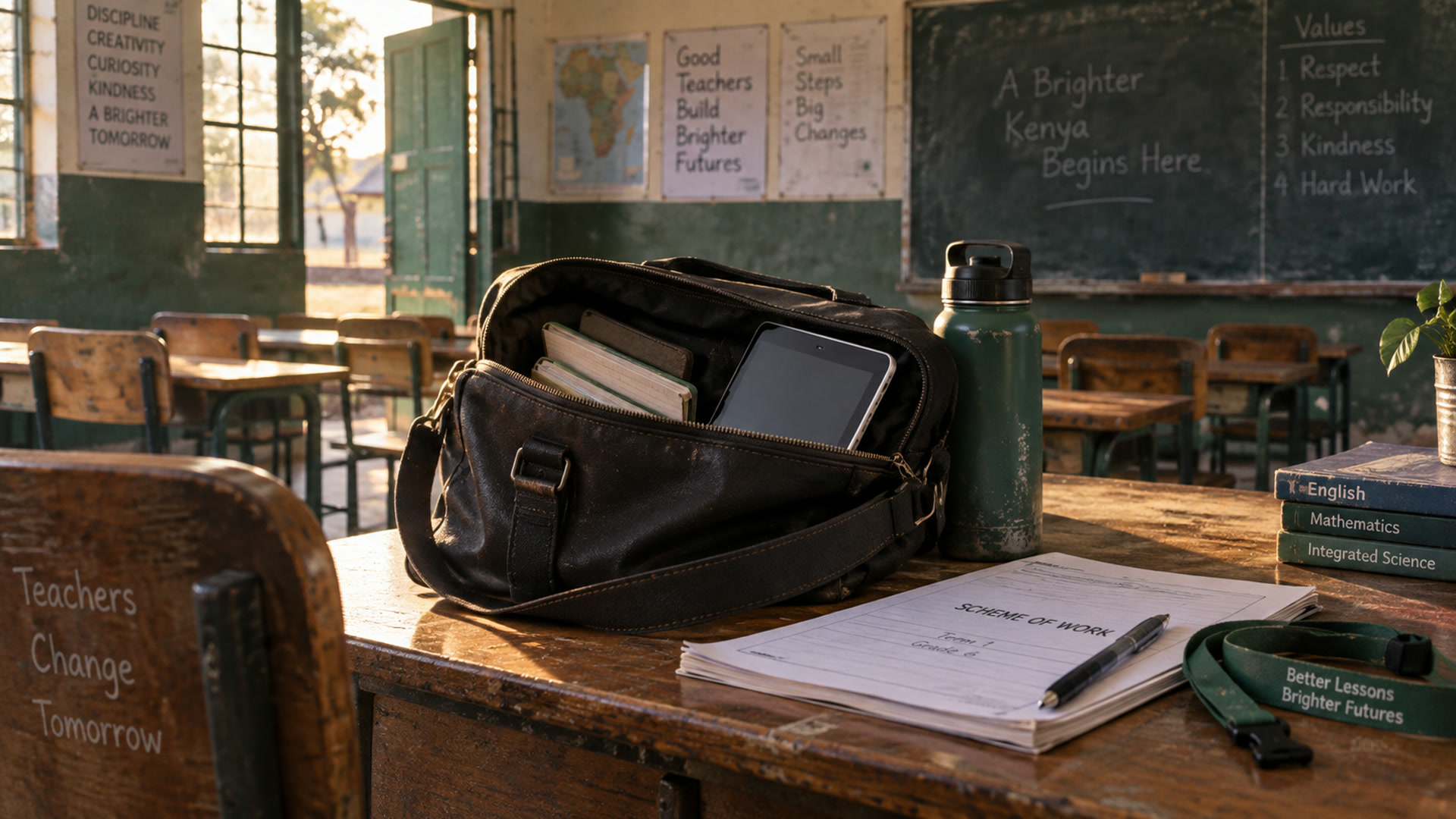
For teachers
My day starts from the classes you teach
Today that means the plan, the register and the assessment. The designed My day also opens the timetable slot, the mark sheets still to enter, and a snapshot of the class.
Your classes
You see the learners, plans and evidence for the classes you teach.
The next action on each lesson
Each timetable slot is designed to show whether a plan exists and what to do next, including copying a plan that already fits.

Voices from education practice
Hear from educators and partners
Explore their accounts of lesson preparation, classroom evidence and teacher support.

Kenya · classroom practice
Prepare the lesson. Keep the classroom record.
Stanley Kago · Cheleta Primary
Stanley Kago describes preparing lessons, taking attendance and keeping assessment records at Cheleta Primary.
Original audio: English
Explore teaching planningWatch Kurasa


Plan and prepare
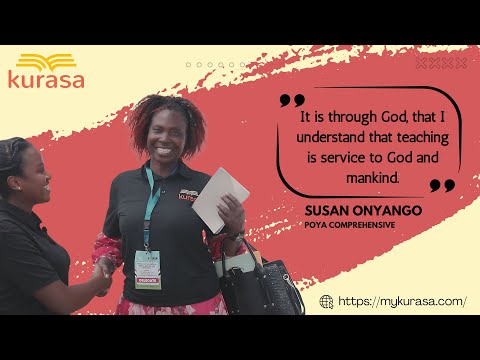
Use the scheme and lesson plan to set out the learning objective, activities and evidence you want to see. Adapt saved material to your class and the resources available. Keep preparation connected to the school record so the plan can inform what happens during and after teaching.
Assess and respond
Capture a manageable piece of learning evidence and review it alongside the learner's work. Check gaps or unusual results before deciding on follow-up. Use the record to plan another explanation, an activity or a conversation, then review whether the next teaching step helped.
Ask aiDE for help
Where your role and access permit, ask aiDE to help with a clearly described teaching task. Check the draft for accuracy, suitability and curriculum fit before using it. Confirm applicable credits and follow the school's rules for information that may be included in a prompt.
Respond to what learners show you
Review the class’s work and identify what needs another explanation, more practice or a different example. Use professional judgement alongside the records. Where aiDE is enabled, ask for help with a selected draft or task, then adapt the result before it reaches learners or families.
Related
Solutions
Choose by who you are and the outcome you need.
Explore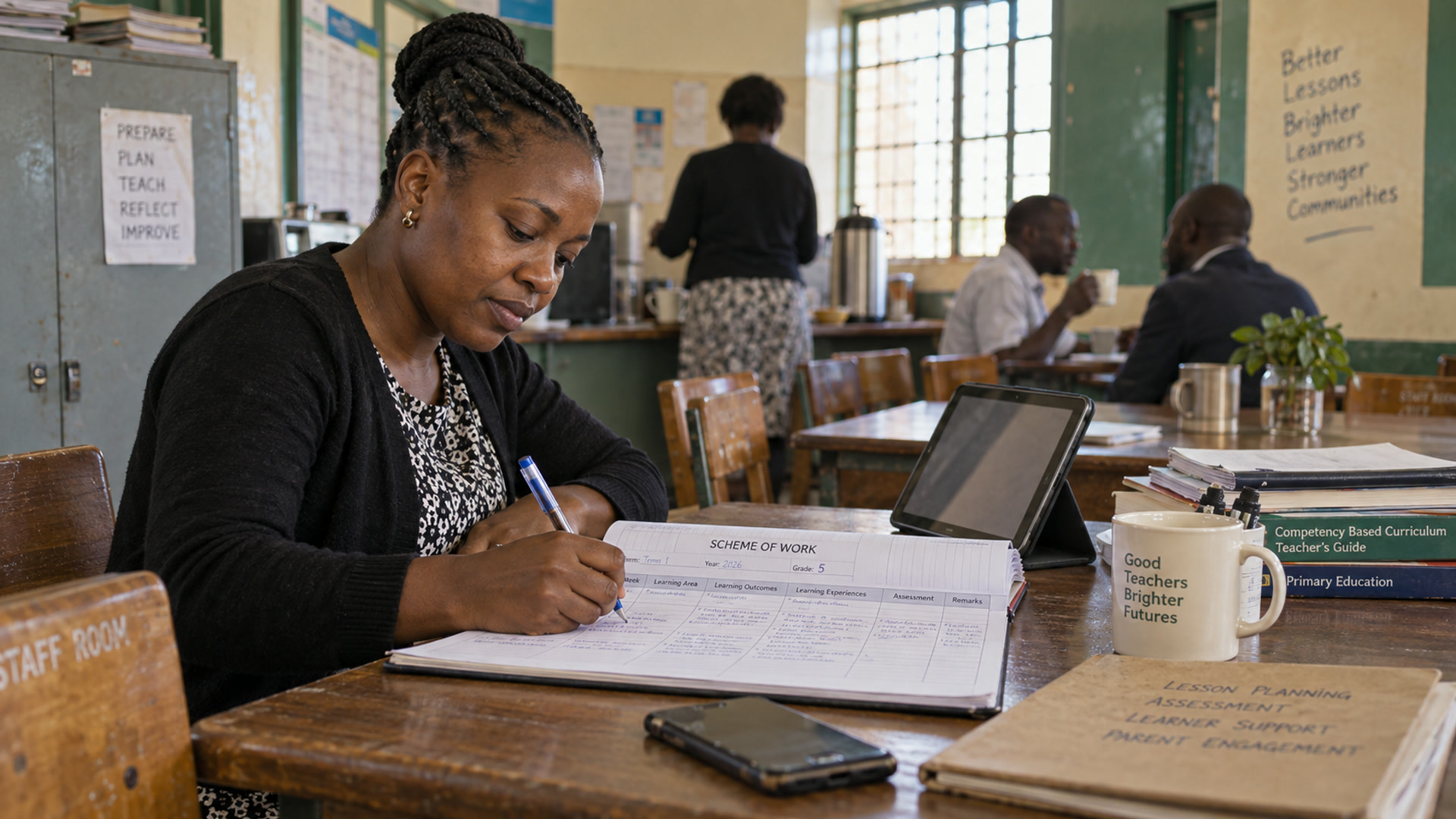
Teaching & planning
Schemes of work, lessons and classroom prep, ready before first period.
Explore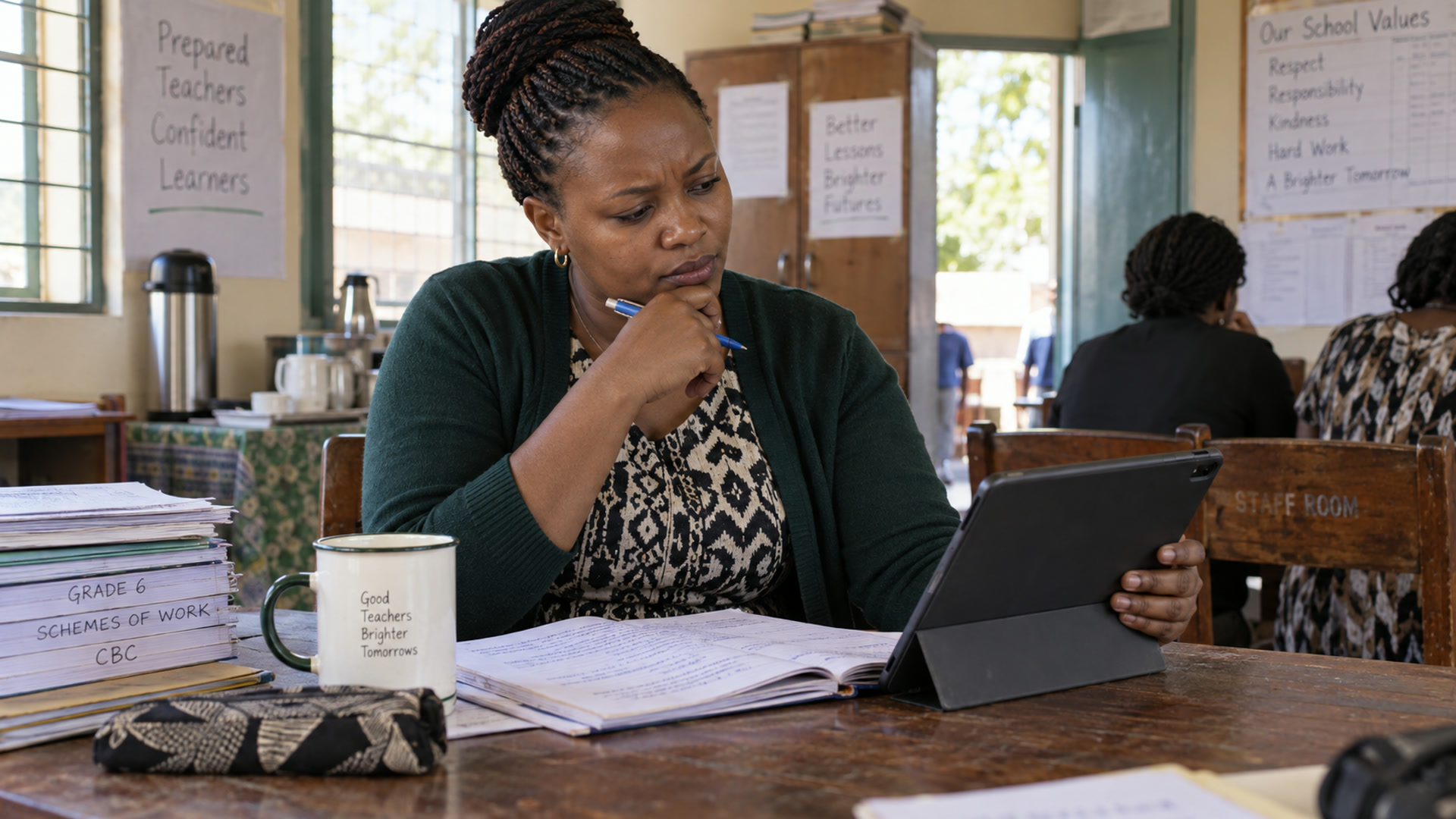
aiDE for teachers
Plan, create, assess and respond, with the teacher in charge.
Explore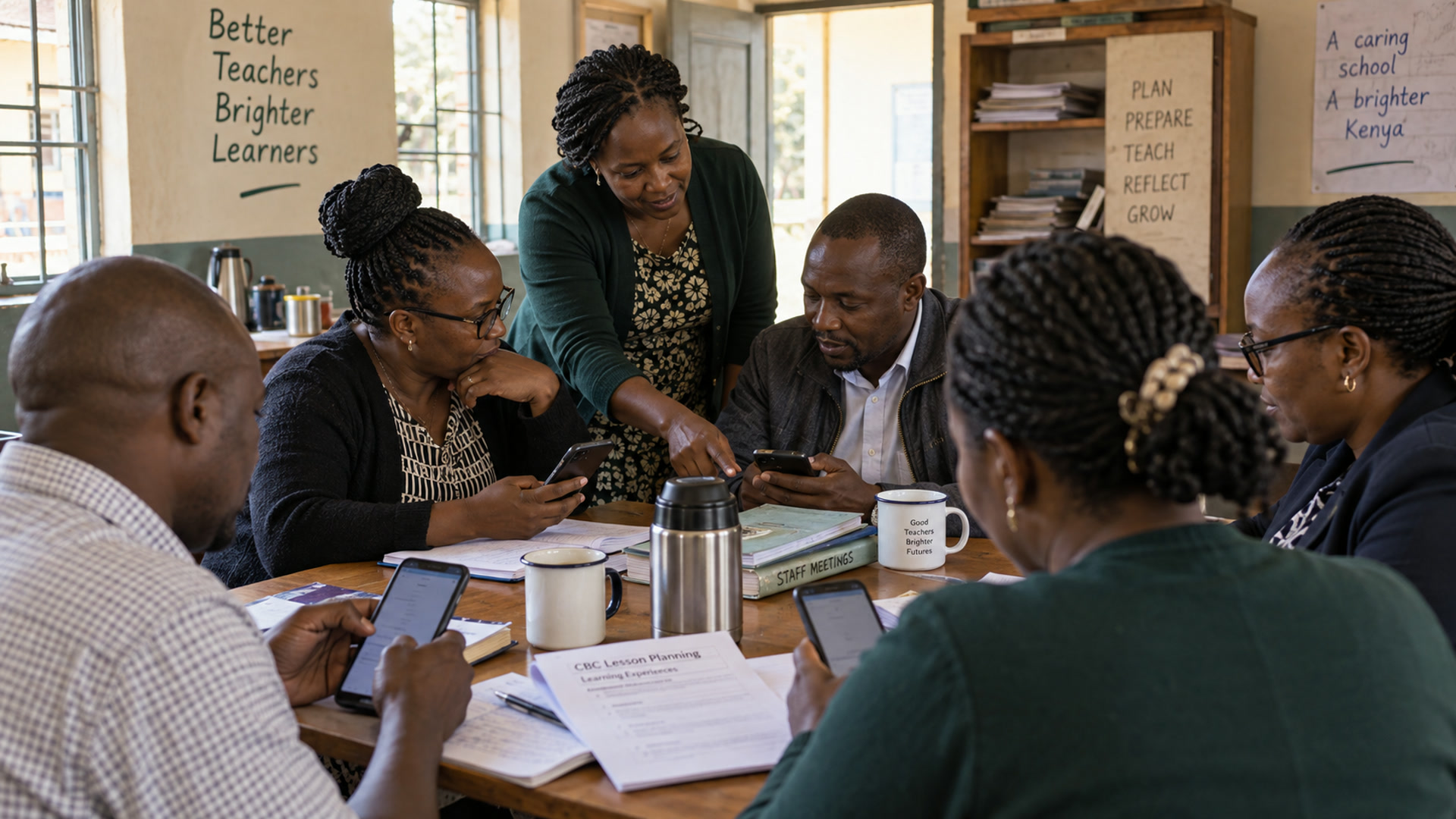
Kurasa Academy
Training, certification and adoption support for teachers.
Explore
CBC schemes of work
Columns, steps and common problems for a term plan.
Explore
CBC lesson plans
The parts of a lesson plan, a lesson flow and reflection.
Explore