Products · Integrations
Connect Kurasa to the systems you use
Explore the ways Kurasa products share school information. Tell the team which systems your school uses to discuss the exchange you need and confirm what is available.
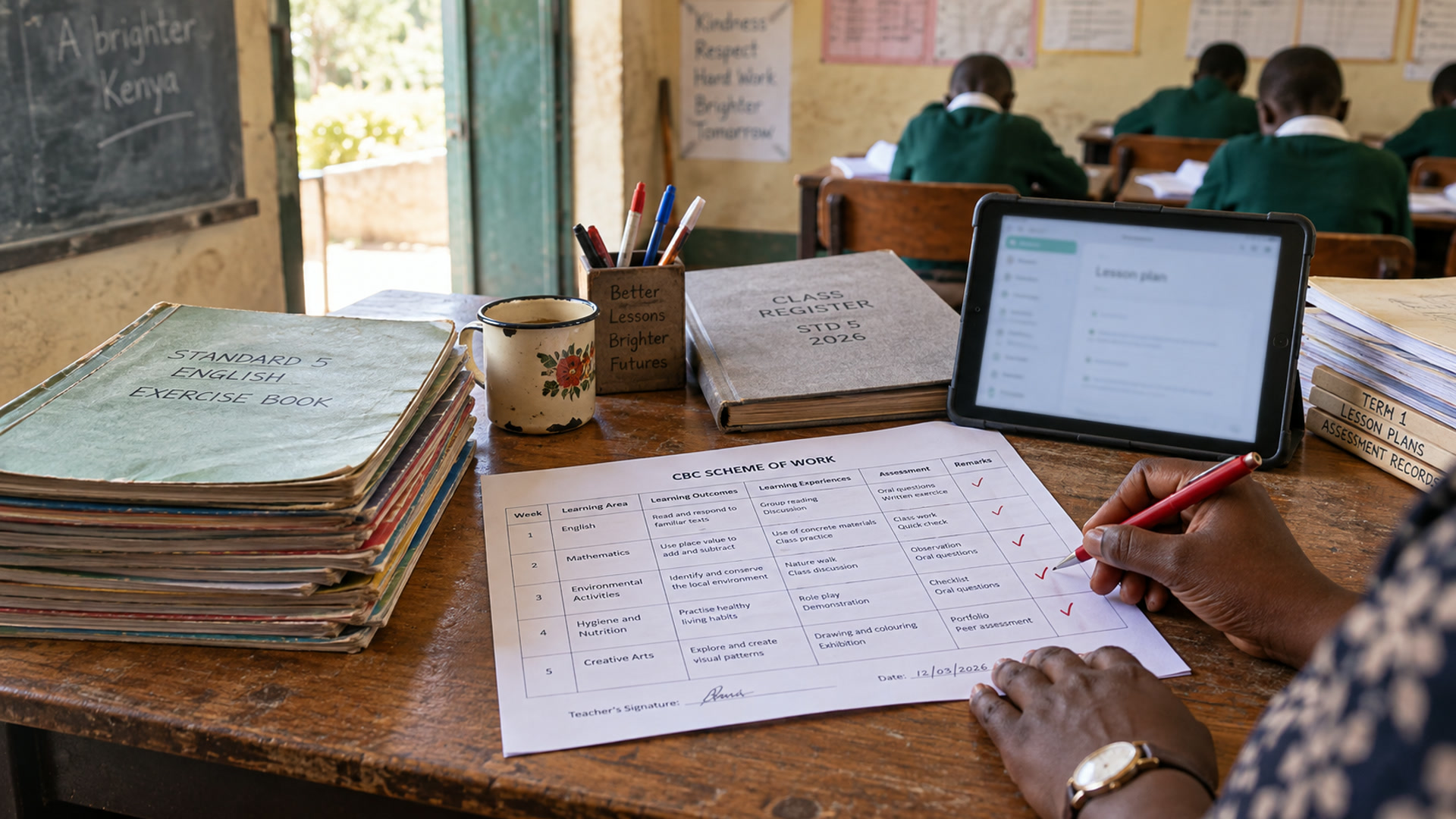
Share records from Workspace
Planning, attendance, assessment and reports are part of the Workspace record. Schools can share selected attendance, assessment and report updates with families through the channels available on their plan. Confirm the channel, recipient and person responsible for releasing each type of update.
Plan an exchange with another system
A one-time import and an ongoing exchange have different requirements. Name the source system and list the records, identifiers and update frequency. Confirm who resolves failed or duplicate records. Fees, mobile money in the parent app, transport and clinic connections are not offered as live integrations here.
Describe the connection you need
Tell us which system holds the information, what needs to move and which school or programme task the connection supports. Include the expected frequency and the people who will maintain the records. These details help distinguish a one-time migration from a continuing data exchange or reporting requirement.
Agree responsibilities before connecting systems
Integration planning includes access, field mapping, validation and the process for handling changes or errors. Schools and institutional buyers should identify the owner of each source and the rules for using its data. Kurasa will discuss supported options and confirm feasibility as part of the agreed implementation scope.