aiDE · For teachers
Prepare with aiDE. Review for your classroom.
Use aiDE to draft lesson activities in Workspace. You decide what belongs in the lesson and review the draft before using it in class.
Keep professional judgement
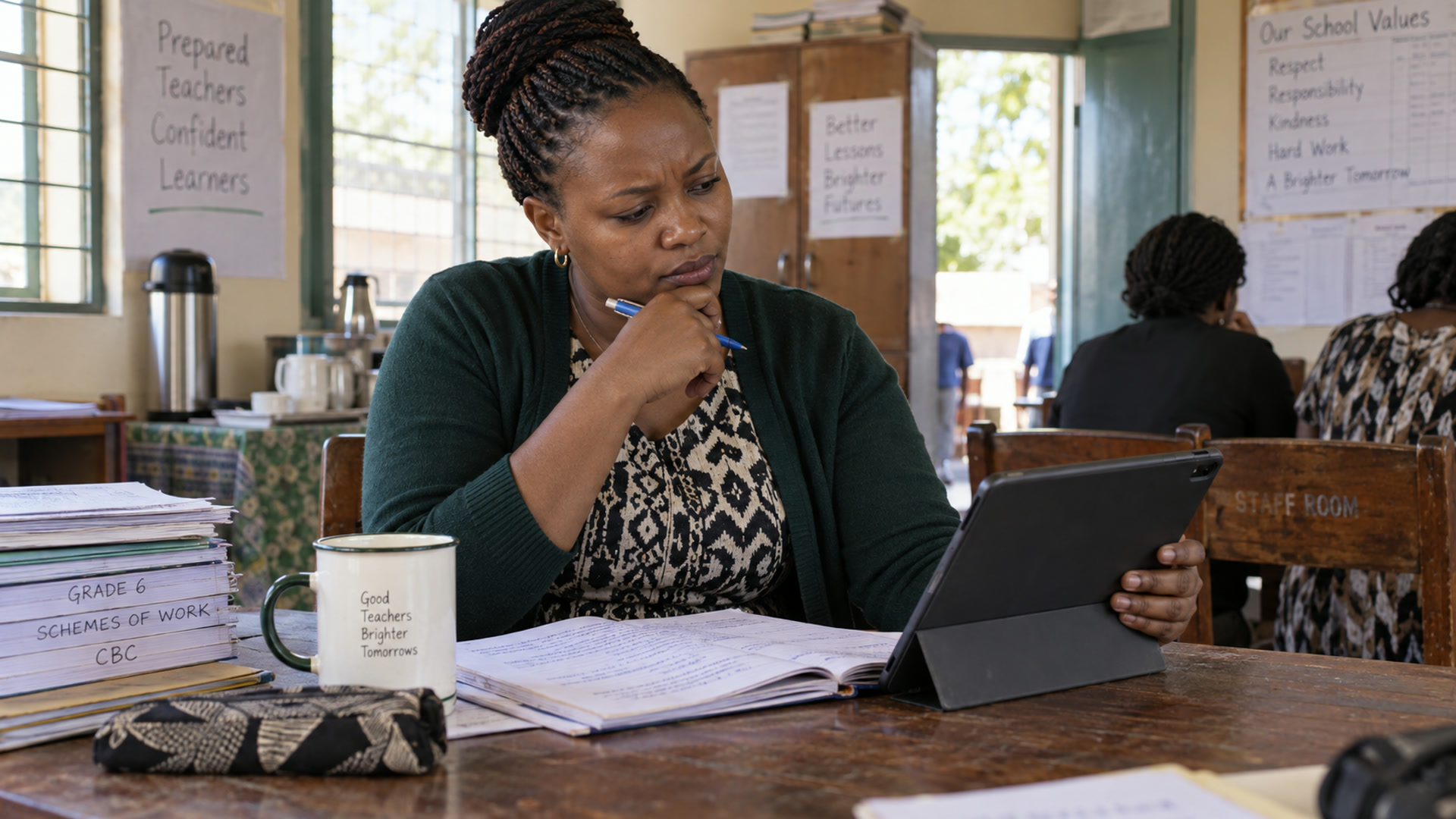
Teachers remain responsible for the material used in a lesson and for decisions about learner support. Review AI suggestions with the same care as any other resource. Keep unnecessary personal data out of prompts and follow the school's rules for sharing and using learner information.
Try one part of a lesson
For a Grade 6 lesson on comparing fractions, ask for a short activity using paper strips and an exit question that shows how learners compared two fractions. Give aiDE the grade, the goal and the materials you have. Check the mathematics, the instructions and the timing before adding the activity to your plan.
Make a draft fit your classroom
A useful request describes the grade, learning goal, time available and resources in the room. Review any suggested activity against those conditions. Adapt examples and instructions to your learners, and decide how you will check understanding. The teacher remains responsible for the final material used in class.
What is in development
School data questions and suggestions for classroom resources are in development. Plan current use around lesson drafting and confirm access and credits for your school.
Related
aiDE
The AI work layer for teachers and school leaders.
Explore
Trust & controls
Permissions, human review and what aiDE cannot do.
Explore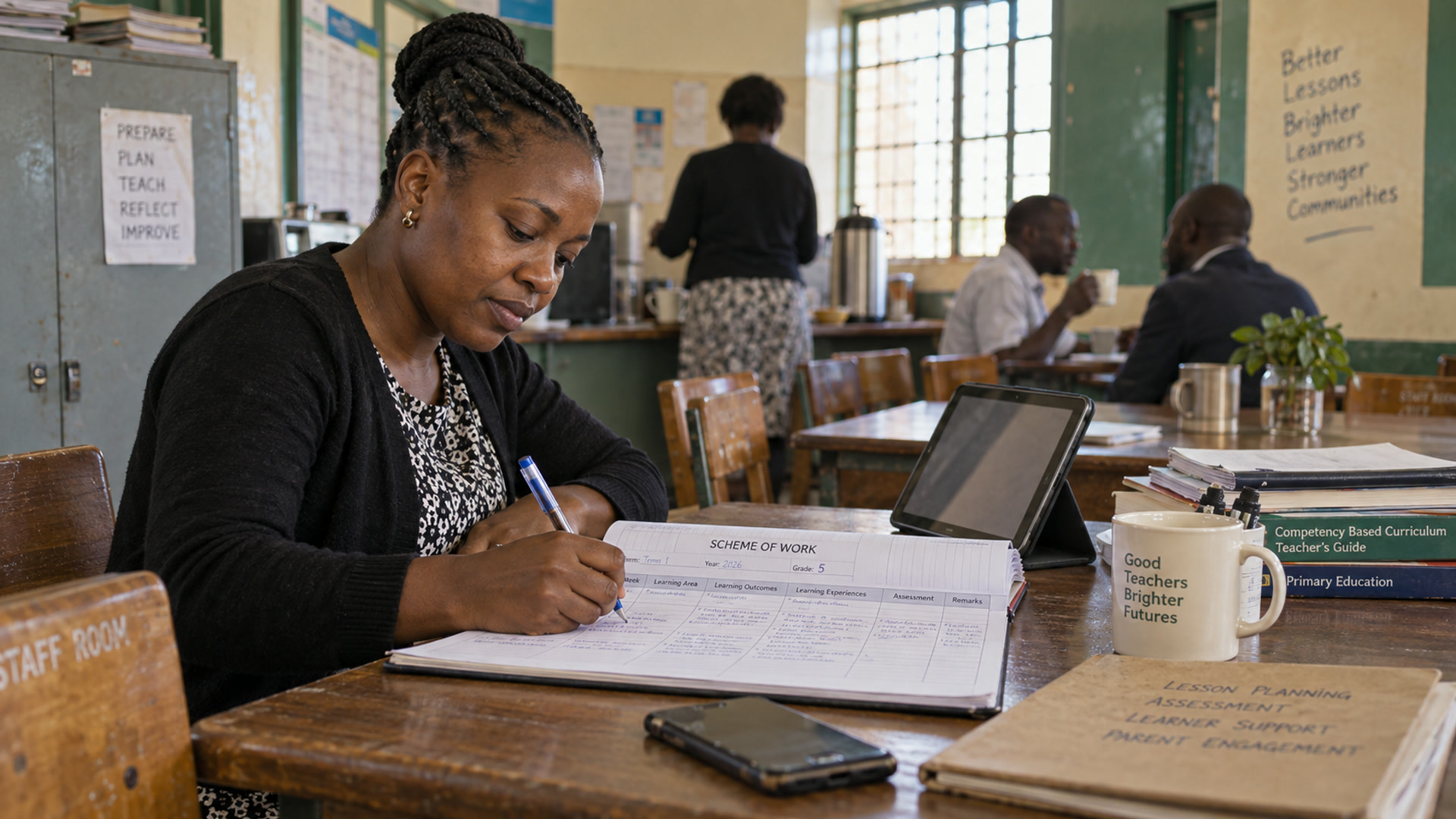
Teaching & planning
Schemes of work, lessons and classroom prep, ready before first period.
Explore
Credits & fair use
School pools, allocations, limits and top-ups.
Explore